5
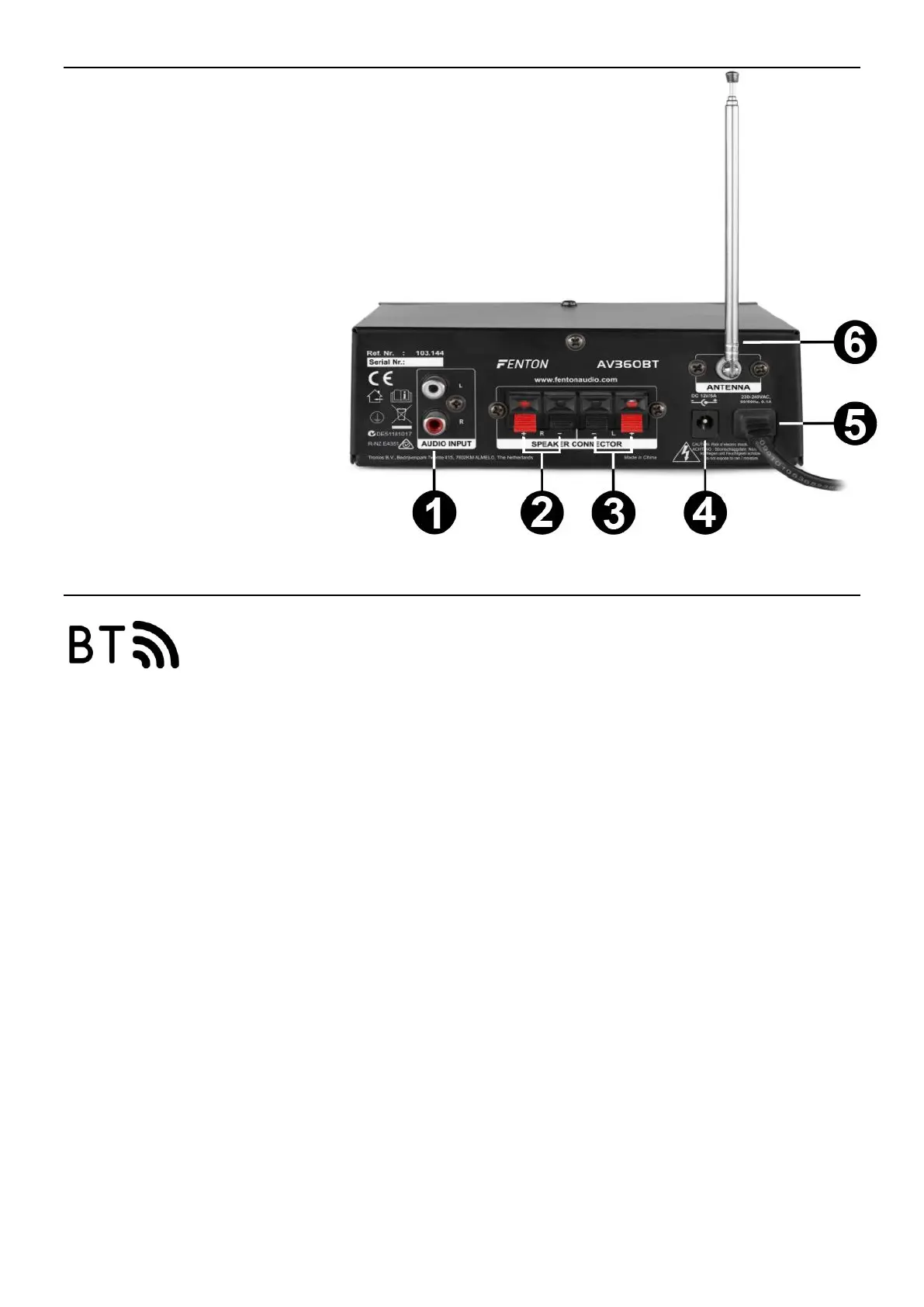
REAR PANEL
1. AUDIO SIGNAL INPUT
RCA audio input.
2. SPEAKER OUTPUT R
Right speaker output terminals + and -.
3. SPEAKER OUTPUT L
Left speaker output terminals + and -.
4. 12VDC INPUT
Adapter input 12V.
5. 220VAC POWER CORD
Fixed power cord.
6. FM ANTENNA
Antenna for receiving FM signal.
CONNECTING WITH BT
1. Activate the BT-function on your device (mobile phone, tablet etc.) from which you want to play the
music. See the operating instructions for that device.
2. Activate BT-function.
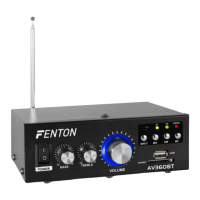
3. Select “AV-360” on your BT-device and make the BT-connection.
If password is required, you can enter "0000".
Attention: The BT distance is approx. 10 meter without any barrier.


 To Next Page