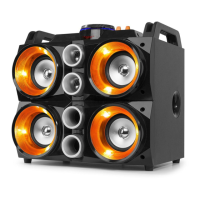
3
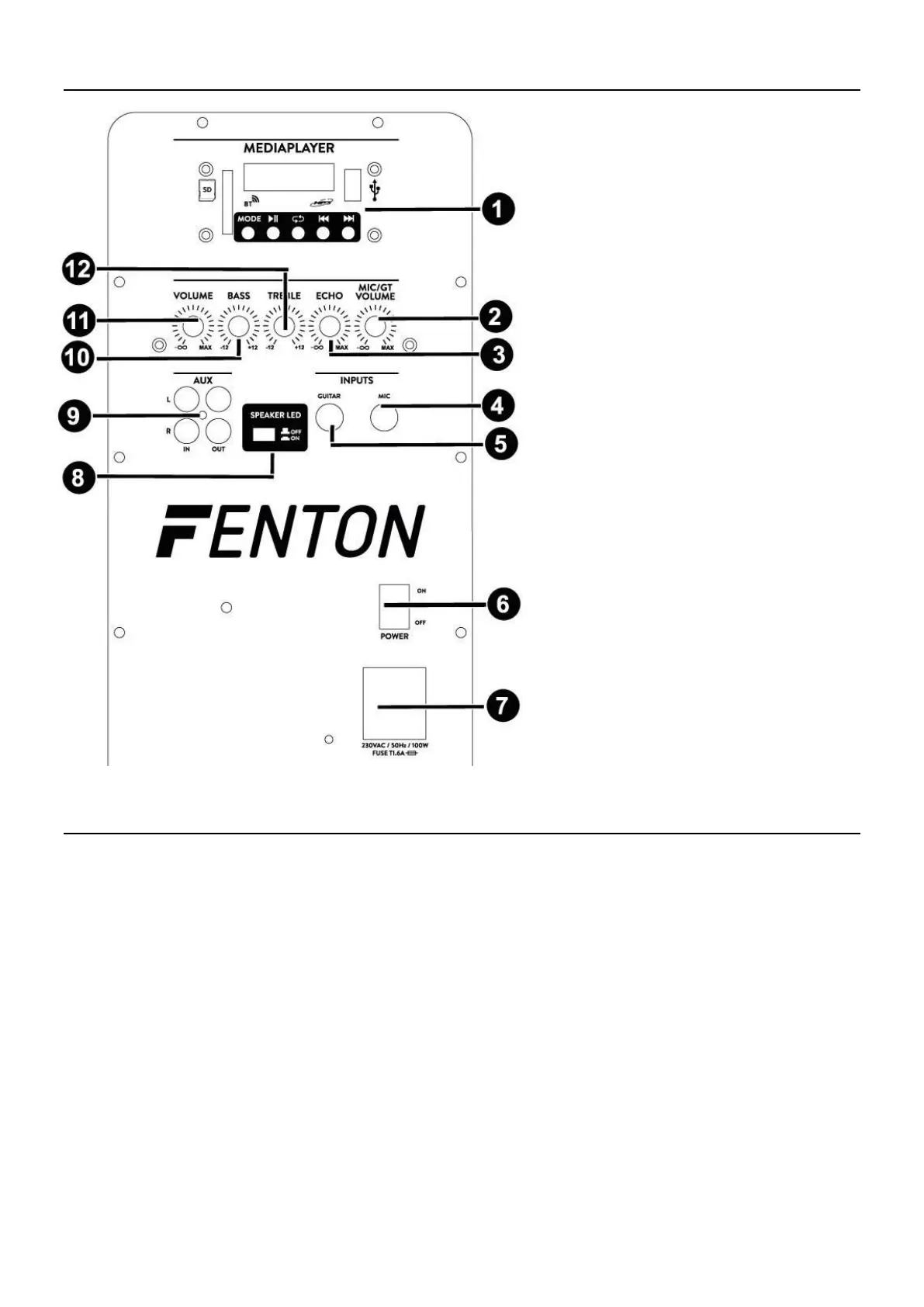
REAR PANEL
1. MP3 Player with display
2. Mic/Guitar volume control
3. Echo control
4. Microphone input 6.3mm Jack
5. Guitar input 6.3mm Jack
6. Power On-Off
7. AC Power Input 230V
8. Speaker LED On-Off switch
9. AUX in-/output
10. Bass control
11. Master volume control
12. Treble control
OPERATION
USB/SD player:
1. Push the ‘’MODE’’ button to select input, SD/BT/USB
2. Insert USB-stick or SD-card with MP3 files in the MP3-player.
3. MP3 files will be played after a few seconds.
4. Volume can be controlled with master volume control.
5. Previous track can be selected with PREV button on MP3-player.
6. Next track can be selected with NEXT button on MP3-player.
7. Pressing the PAUSE button on the MP3-player will pause the song and again pressed will continue playing.
MICROPHONE:
1. Insert the microphone to the microphone input jack 6.3mm connector
2. Adjust the MIC volume.
GUITAR :
1. Insert the guitar to the guitar input jack 6.3mm connector
2. Adjust the GUITAR volume.
BT-RECEIVER:
1. Push mode button and select BT
2. Pair your BT-device with the speaker
3. Start streaming your music


 To Next Page