Fig. C2 Fig. C3
Fig. D
Fig. F
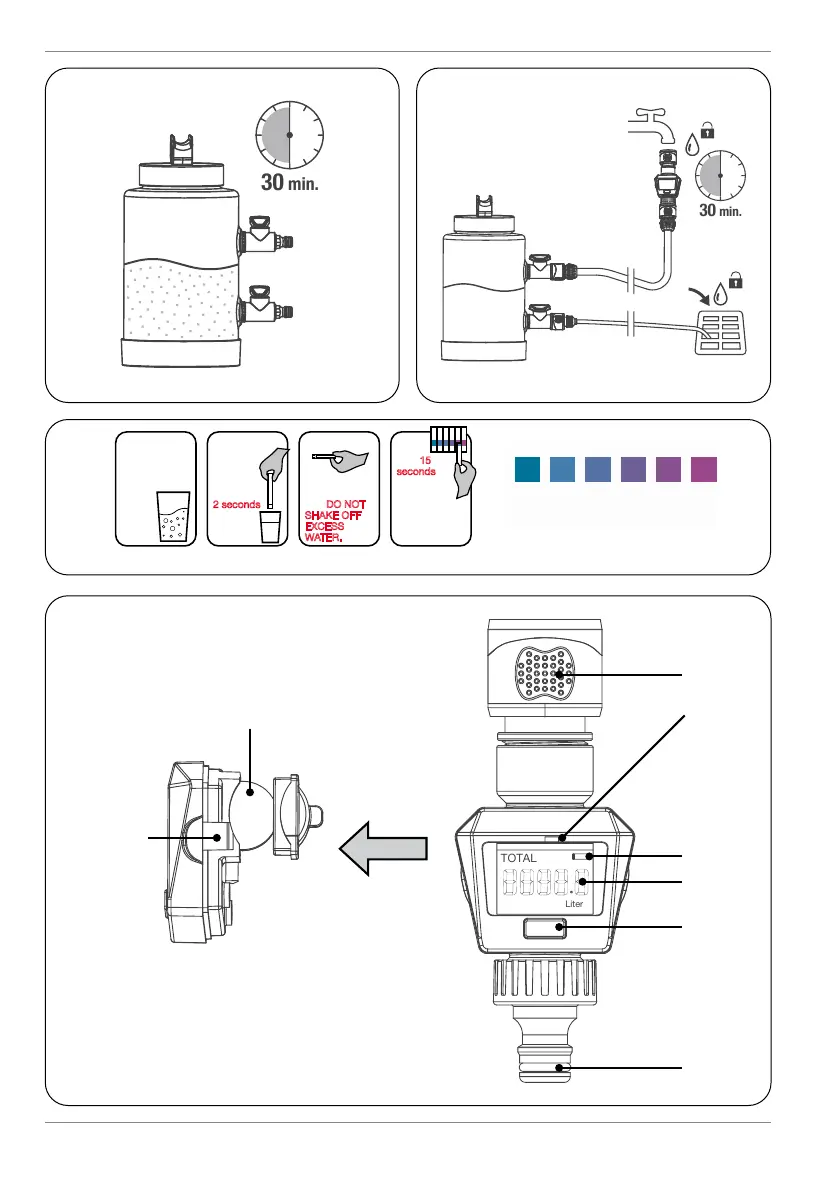
QUICK GUIDE FOR QUICK GUIDE FOR
TESTING REGENERATIONTESTING REGENERATION
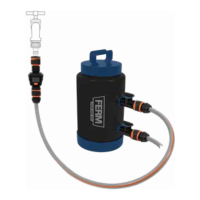
WSA1020 – Water softener
QUICK GUIDE FOR RESETTING FLOWMETERQUICK GUIDE FOR RESETTING FLOWMETER
STEP 1: Take water sample from flush drain after regeneration
STEP 2: Immerse strip into water for 2 seconds
STEP 3: Hold horizontally for 15 - 30 seconds
STEP 4: Compare test strip with the colour sample.
Repeat regeneration process if necessary
STEP 1: After regeneration and
hardness test, reset timer
STEP 2: Press and hold
buttonbutton on
flowmeter for 3 seconds
STEP 3: Water softener ready for use
Important: Store away from light and moisture.
Do not touch test areas of reagent strips.
Important: Regeneration advised
after 1000 liters
1 2 3 4
Fill a glass with
the sample
water to be
tested.
Dip test
strip pad
in the
water for
2 seconds
and
remove.
Wait 15 - 30
seconds &
compare to
color chart.
Read results.
Discard strip
after use.
Hold test strip
with pad face
up - DO NOT
SHAKE OFF
EXCESS
WATER.
tested.
remove.
color chart.
Read results.
seconds.


 To Next Page