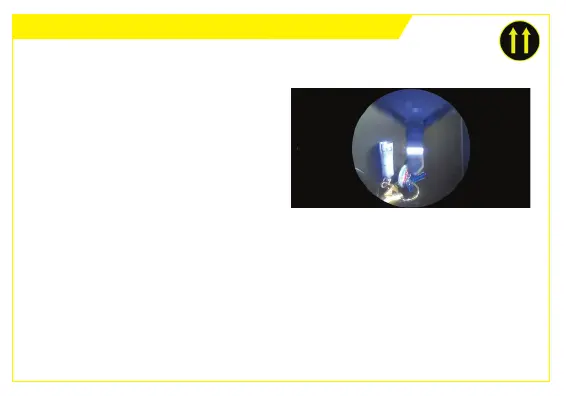
APP SETTINGS - ALWAYS UP VIEWING MODE
Always up
round mode
2. Change the Display Mode from
Normal (picture orientaon reects
camera orientaon) to an Always Up
Mode – either Round or Full Screen.
In Always Up mode, the picture
orientaon remains the right
way up on the smart device
display, regardless of the camera’s
orientaon.
In this mode no maer which way the Ferret camera is rotated, the image on
the App is always the right way up.



 To Next Page