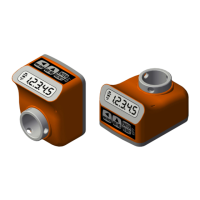
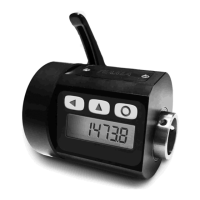
EP7
Electronic position indicator
Date: 13/01/16 File: EP7_ing_rev1.7.doc Page: 4/8
Programming
To access programming of the parameters, keep pressed until
3$66
3$663$66
3$66
appears on the display.
Now press 2 times
ENTER
/
RESET
and 3 zeroes will appear. The first digit on the right will be
blinking: with
(digit increase) and (digit selection) insert the pass code which is
273
and
confirm with
ENTER
/
RESET
. In case of incorrect insertion of the password, the unit exits
programming.
The various parameters can be scrolled with
and in order of appearance they are:
X,6
X,6X,6
X,6
value to be displayed after one complete rotation of the shaft
QG(&
QG(&QG(&
QG(&
number of decimal places
W$6W,
W$6W,W$6W,
W$6W,
button activation mode *
G,U
G,UG,U
G,U
counting direction
* When the Offset, Preset, and Origin Change functions are set, also the
2))6W
2))6W2))6W
2))6W
,
3U6W
3U6W3U6W
3U6W
,
3U6
3U63U6
3U6
,
3U6
3U63U6
3U6
,
3U6
3U63U6
3U6
parameters will appear (see further below).
To modify the selected parameter press two times
ENTER
/
RESET
(the first time displays only the
value). With
and set the desired value and confirm with
ENTER
/
RESET
.
To set a negative number, press
until the last digit on the left blinks then press once again
and after press
so that the minus sign will appear.
To exit programming press
.
Value to be displayed after one complete rotation of the hollow shaft:
X,6
X,6X,6
X,6
This parameter, together with the following one, defines the value which is displayed after one
rotation of the hollow shaft. The allowable range is from 0,0001 to 99999.
The decimal place is set after programming the last digit on the left: after pressing
, the decimal
place will blink and with
it can be moved to the desired position. Confirm with
ENTER
/
RESET
.
Number of decimal places:
QG(&
QG(&QG(&
QG(&
It is the number of decimal places to visualize on the display, allowed range from 0 to 4.
Example 1: if each rotation of the hollow shaft will cause a displacement of 50, set
X,6
X,6X,6
X,6
=50 and
QG(&
QG(&QG(&
QG(&
=0.
Example 2: if each rotation of the hollow shaft will cause a displacement of 12,345 and the desired
output on the display is 12.3, set
X,6
X,6X,6
X,6
=12.345 and
QG(&
QG(&QG(&
QG(&
=1.
Button activation mode:
W$6W,
W$6W,W$6W,
W$6W,
This parameter programs the button functions.
The value is a number with 3 digits, each corresponding to a button: the digit on the right sets the
ENTER
/
RESET
button, the digit in the middle sets while the last digit on the left sets .
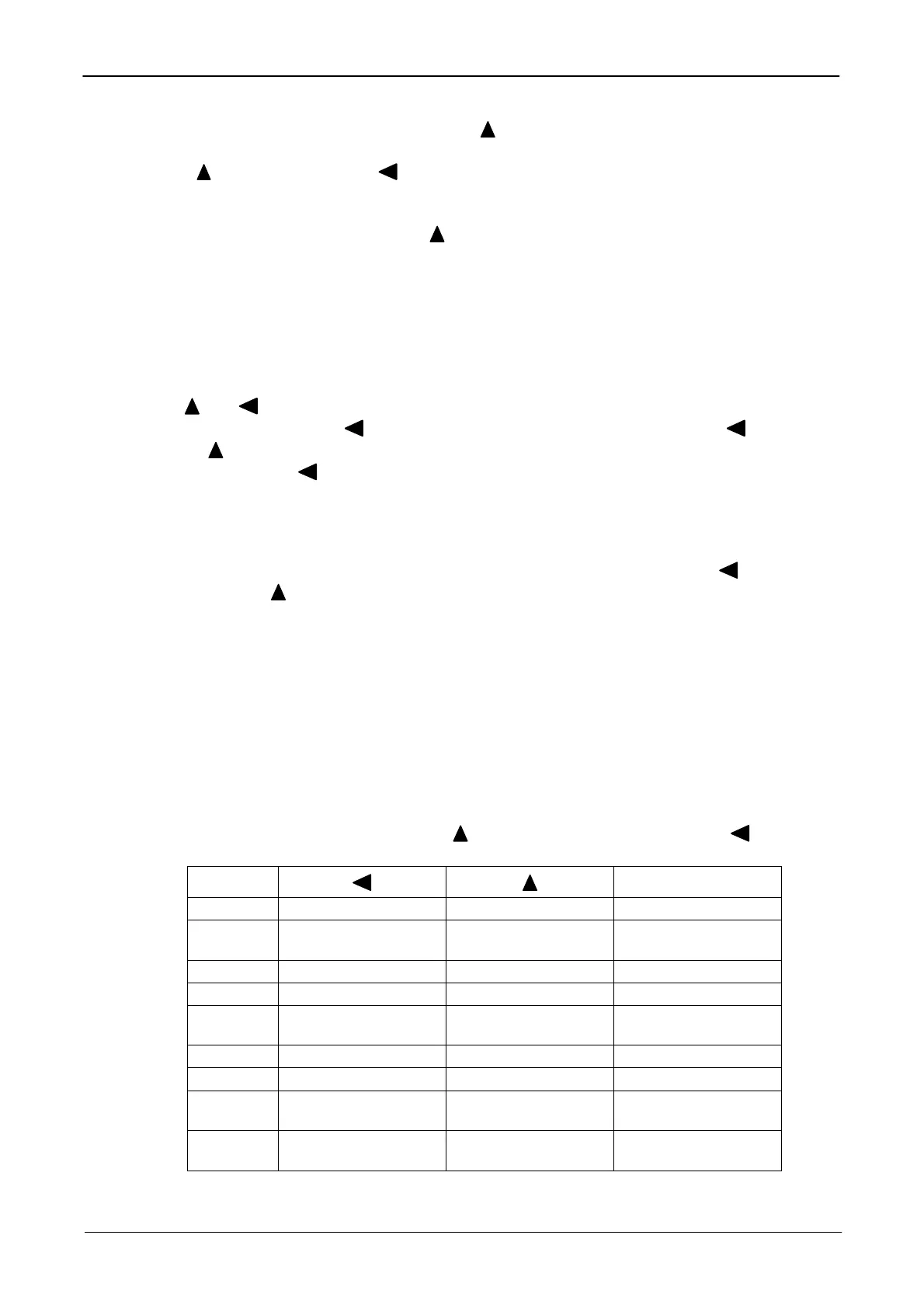
The possible values are in the following table:
VALUE
ENTER
/
RESET
0 Not active Not active Not active
1 mm/inch conversion
abs/rel
measurement
Reset
2 Not active Not active Preset
3 Not active Not active Fast Preset
4 Not active Not active
Change of origin
0,1,2
5 Not active Not active Offset
6 Not active Not active Fast Offset
7 Not active Not active
Delayed reset *
(after 3s)
8 Not active Not active
Delayed preset *
(after 3s)
* Delayed means that to activate the function (reset or preset), it is necessary to keep
ENTER
/
RESET
pressed for approximately 3 s.


 To Next Page
 Loading...