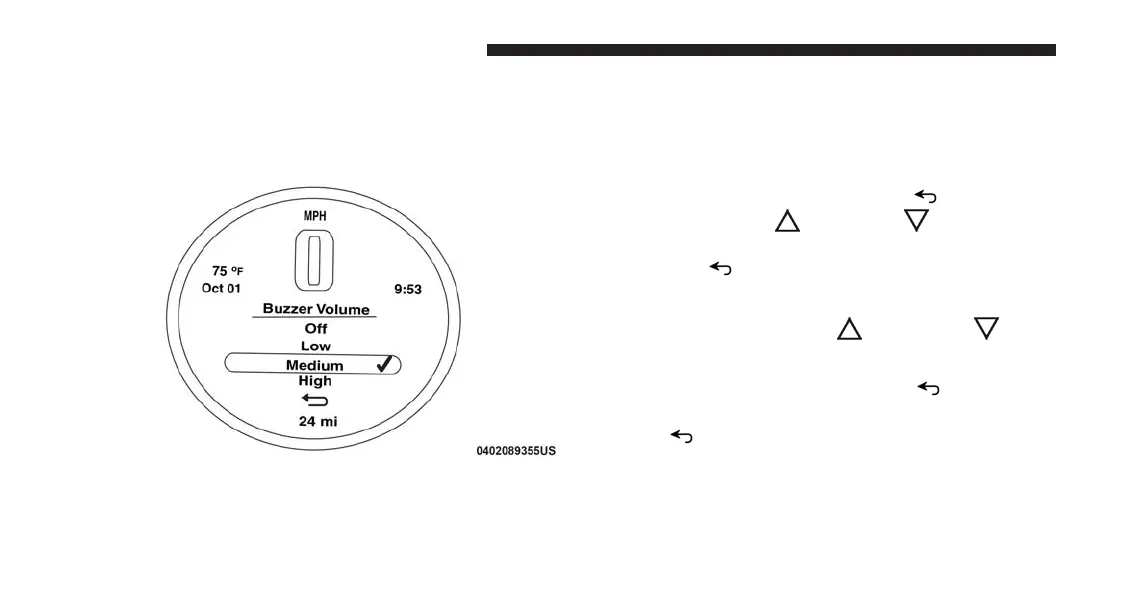
Submenu Personal Settings
Buzzer Volume (Adjusting The Failure/Warning
Buzzer Volume)
With this function the volume of the buzzer accompany-
ing any failure/warning indication can be adjusted to
Low, Medium, High.
To adjust the volume proceed as follows:
1. Briefly push and release the MENU
button. Push
and release the UP
or DOWN arrow button,
then highlight the Buzzer Volume. Push and release
the MENU
button to enter the Buzzer Volume
MENU.
2. Push and release the UP
or DOWN arrow
button for setting.
3. Briefly push and release the MENU
button to go
back to the menu screen, or push and hold the
MENU
button (approximately one second) to go
back to the main screen without storing the settings.
Buzzer Volume Submenu Display
184 UNDERSTANDING YOUR INSTRUMENT PANEL



 To Next Page