40
TRIP button
Pressed briefly, accesses TRIP
COMPUTER information.
Held down, resets TRIP
COMPUTER.
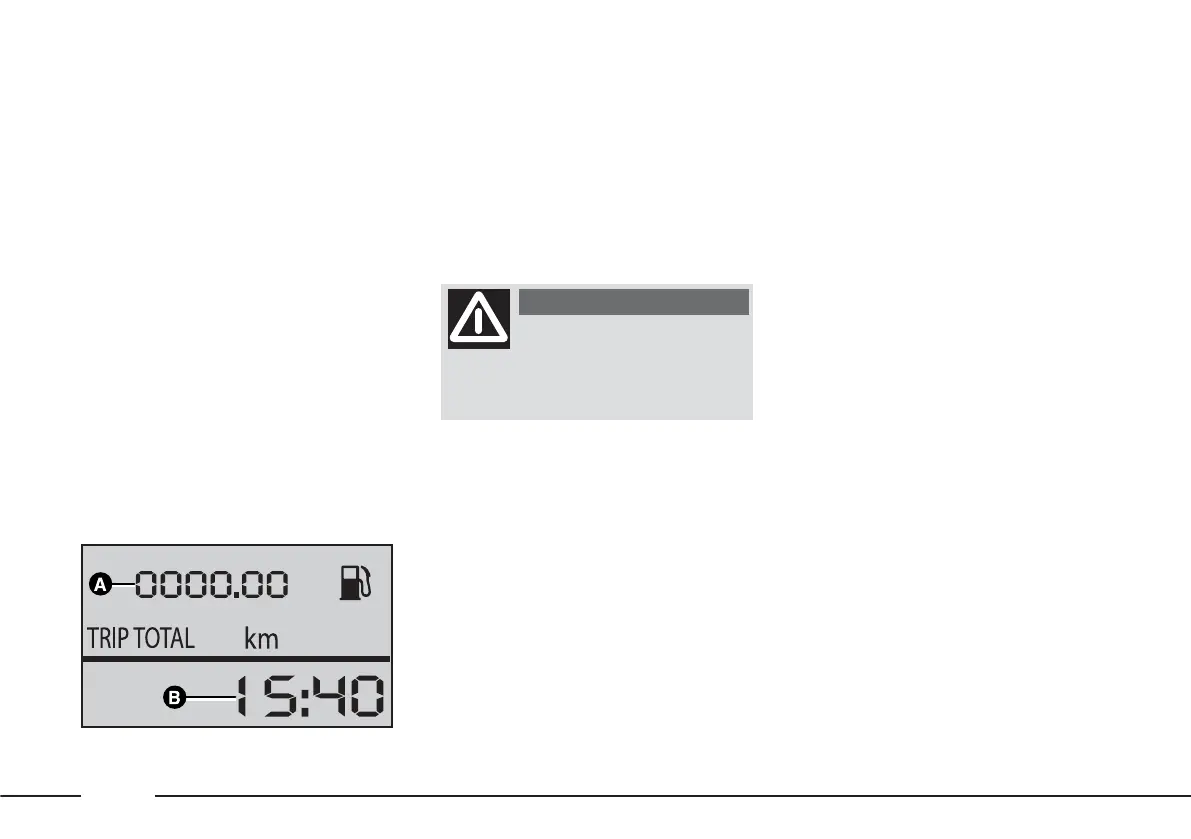
Standard display fig. 47
A – milometer (total/trip)
B – clock.
SET-UP MENU - FIAT MY CAR
This menu allows the vehicle
configuration to be customised.
The functions and messages
provided by the digital display fig. 48
depend on the optionals / version of
your vehicle.
You are advised to
carry out the desired
configurations in safety; only
with the vehicle stationary.
WARNING
Clock (time adjustment)
HOUR
To adjust the time, proceed as
follows:
– press the MODE button
repeatedly until HOUR is
displayed, with the hour and
minutes;
– adjust the hour using the ▲
and/or ▼ buttons.
Adjusting the buzzer volume
(bUZZ)
To adjust the volume of the acoustic
signal that accompanies failure
messages or MODE, ▼ and ▲
button presses, proceed as follows:
– press the MODE button
repeatedly until bUZZ is displayed
with the number indicating
acoustic signal volume;
– adjust by pressing the ▼and/or ▲
buttons.
The volume can be adjusted from 0
to 4.
fig. 47
F0X2006m











 To Next Page