41
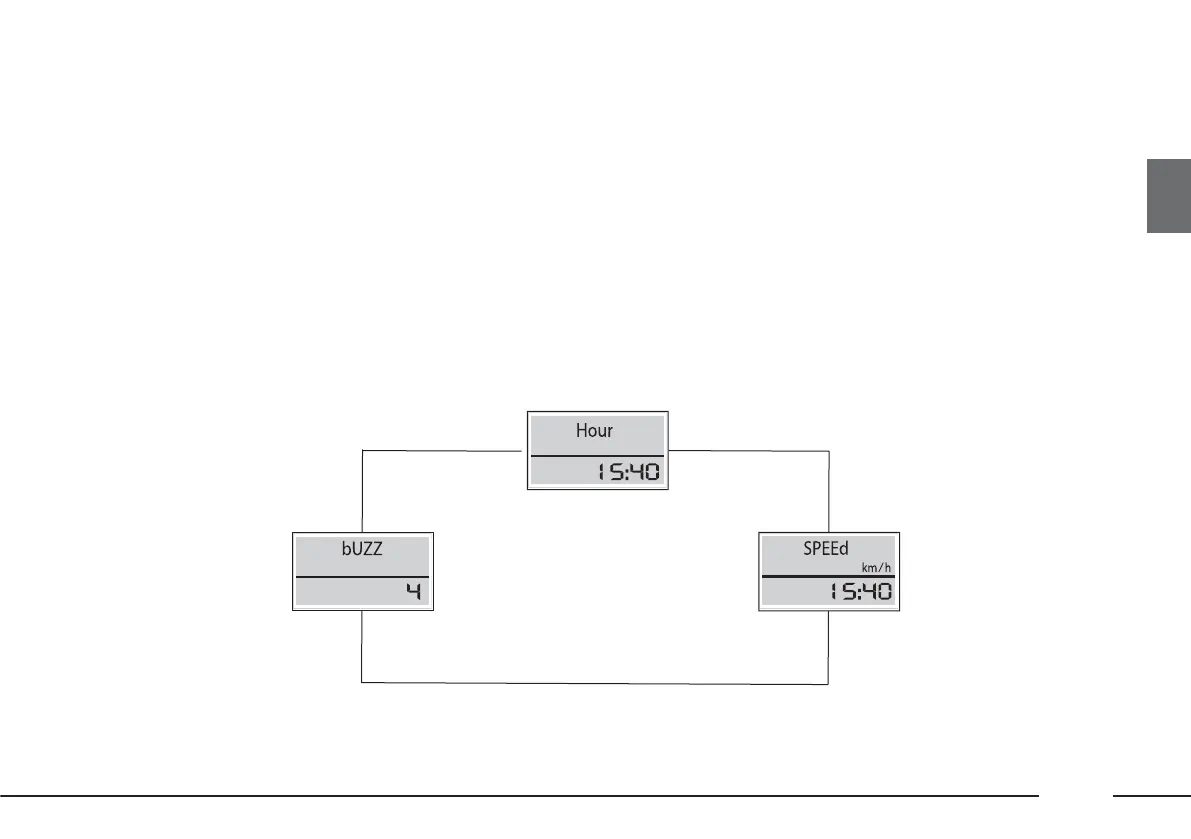
Set speed limit exceeded - SPEEd
This function allows the vehicle speed limit to be set (km/h). When this is exceeded, the driver is notified through an
acoustic signal.
To set the speed limit, proceed as follows:
– press the MODE button repeatedly until SPEEd is displayed with the unit of measurement km/h;
– set the new limit as desired by pressing the ▼ and/or ▲ buttons.
The speed limit can only be set to a value of 30 km/h or above.
Every time the ▼ and/or ▲ buttons are pressed, the value is decreased/increased by 5 units respectively. When the
buttons are held down, the value decreases or increases rapidly, as appropriate.
It is advisable to release the button as you approach the desired value, then complete the adjustment with single presses.
fig. 48
▼
▼▼
▼
MODEMODEMODEMODE
MODEMODE











 To Next Page