42
MULTIFUNCTION
DISPLAY
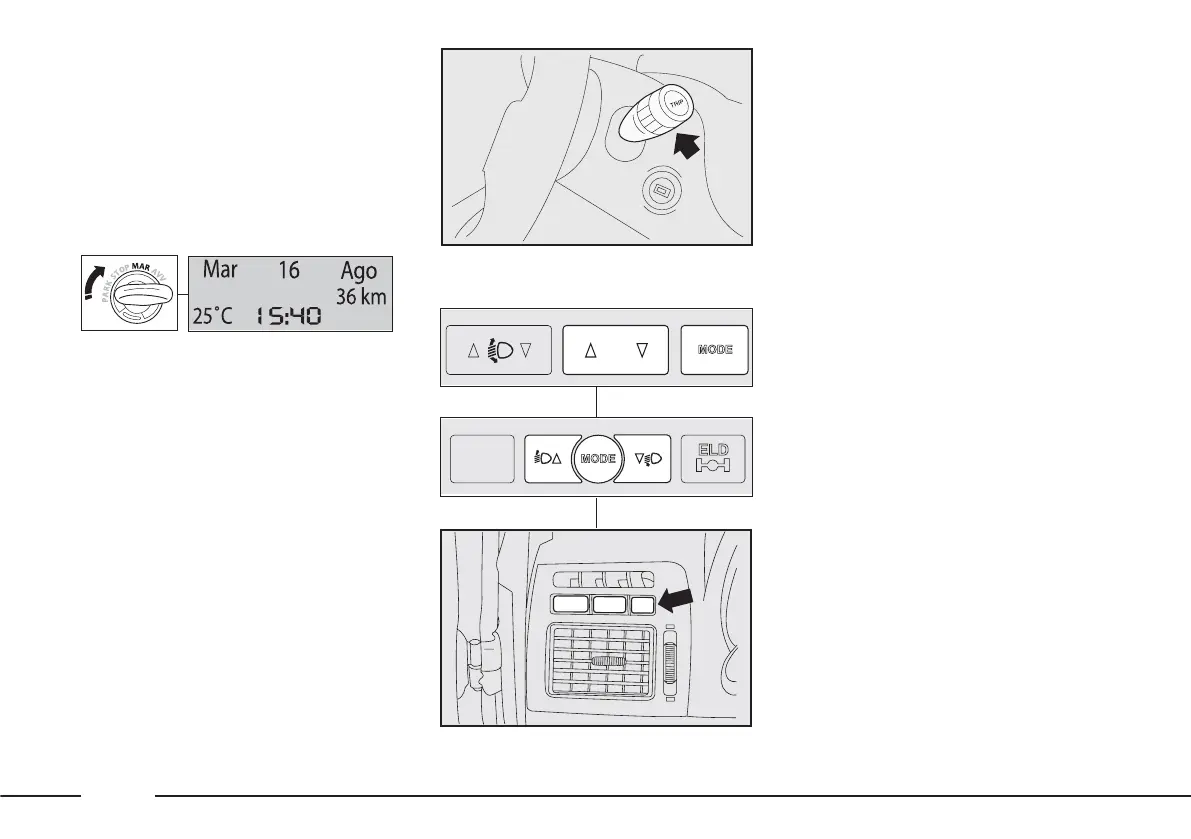
The functions and messages
provided by the multifunction display
fig. 48 depend on the optionals /
version of your vehicle.
fig. 49
F0X0154m
CONTROL BUTTONS
To correctly make use of the
information that the display can
provide, with ignition key at MAR-
ON, you need to familiarise yourself
with the TRIP button-fig. 49 at the
end of the right stalk
and with the MODE and ▼▲
buttons fig. 50 on the dashboard to
the left of the steering wheel.
MODE button
Brief press:
– enter and exit FIAT MY CAR set-
up menu;
– confirm / modify a selected
function
– interrupt warning messages shown
on the display.
Long press:
exit FIAT MY CAR set-up menu,
storing settings and returning to the
standard display or, depending on
the situation, to the previous display.
▲▼buttons
These allow FIAT MY CAR set-up
menu options to be selected and
some functions to be adjusted.
fig. 48
F0X3001m
F0X1039m
F0X2003m
F0X2004m
fig. 50
F0X2005m












 To Next Page