EasyManua.ls Logo

FICEP 1001 DFB - Page 83

Default Icon
226 pages
Print Icon
To Next Page IconTo Next Page
To Previous Page IconTo Previous Page
Loading...
Model 1001 DFB Programming and operating manual
FICEP S.p.A. 83
Control
Meaning
Remark
Optional
Push-button
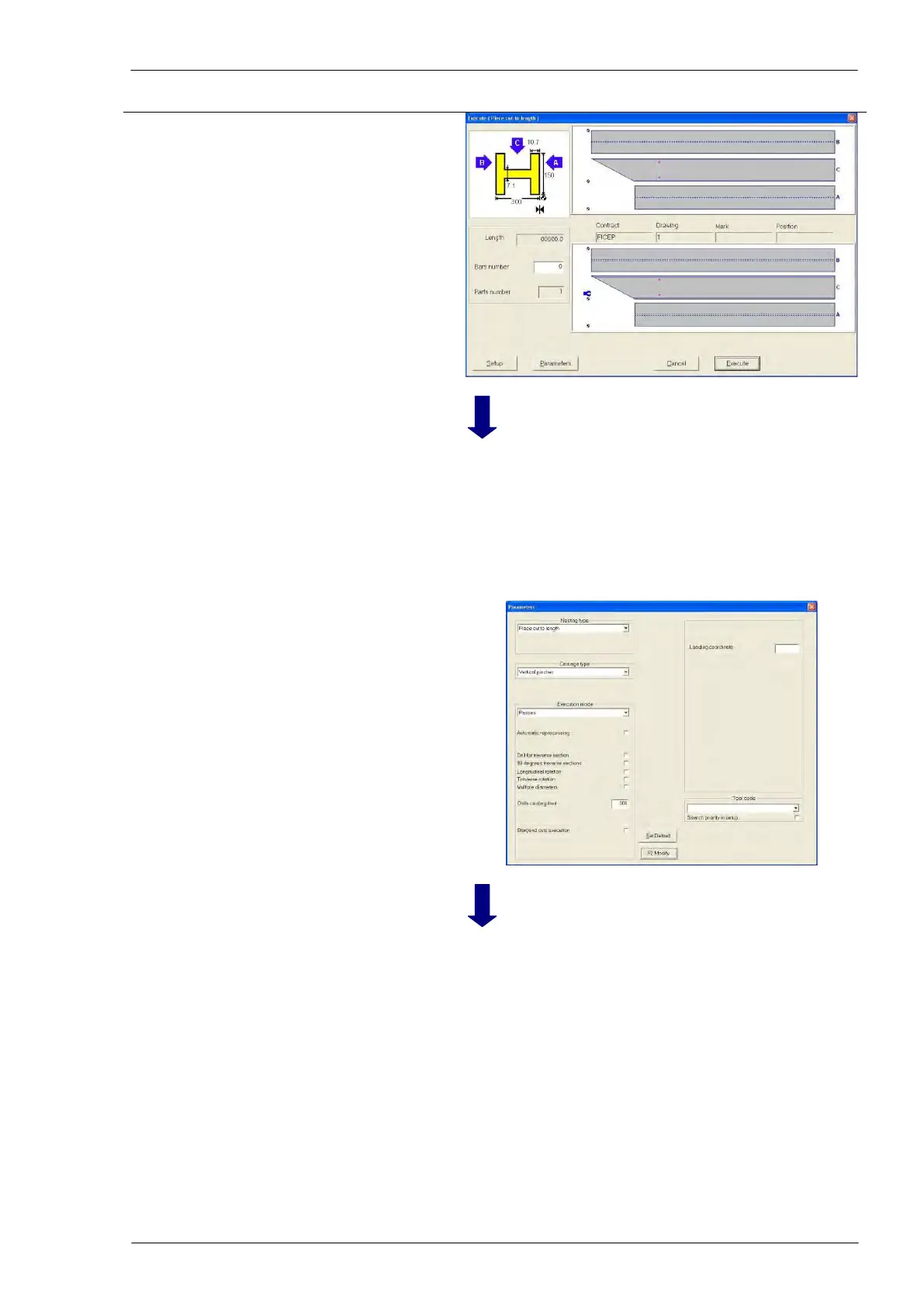
“Parameters
Check and possible ad-
justing of execution pa-
rameters
Adjust, if needed, the execution parameters opening the
related windows by pressing the push-button “Parame-
ters”.
Note that in the parameters window for single piece you
can find two extra parameters describing a possible rota-
tion of the piece as described on page n. 74; these extra
parameters are not present in the same windows for
nesting execution (see page n. 77).

Table of Contents

Related product manuals