3.2 EQ import, export and save
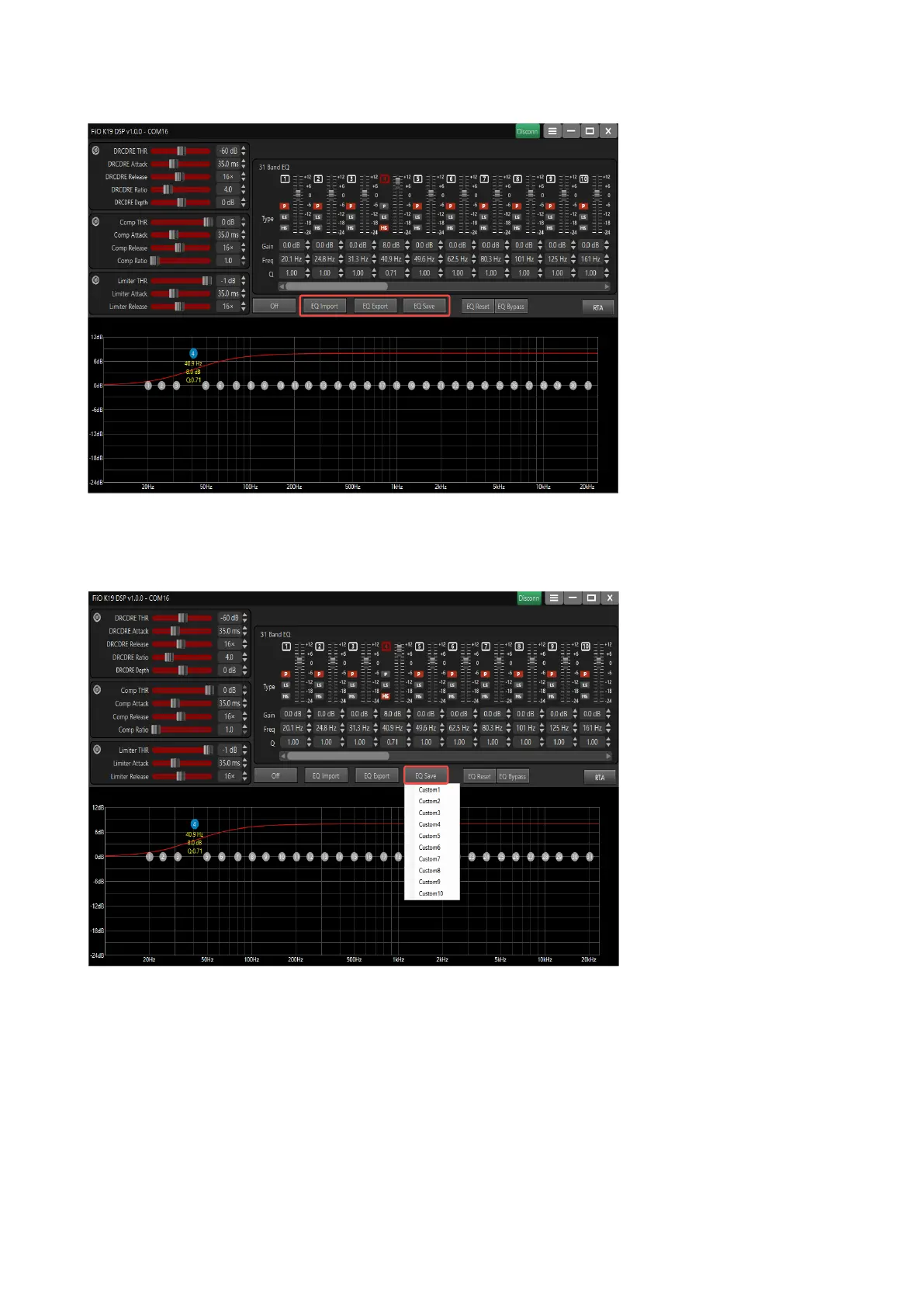
When you click "EQ Export", you can save the current EQ setting parameters in the computer to
form a local parameter file; click "EQ Import" again, you can import the EQ parameter file to the
DSP client, and K19 will immediately follow the parameter settings. effective execution.
When the DSP client is online, if EQ is imported or modified, K19 will immediately take effect
simultaneously. However, the modified data will not be stored in memory. When you need to save
the parameters to K19, you can use the "EQ Save" button to save the parameters to In Custom
1~Custom 10, the original custom parameters are overwritten.


 To Next Page
 Loading...