Note:
When the Bluetooth is enabled, the R7 will preferentially connect to the
last-connected available Bluetooth devices.
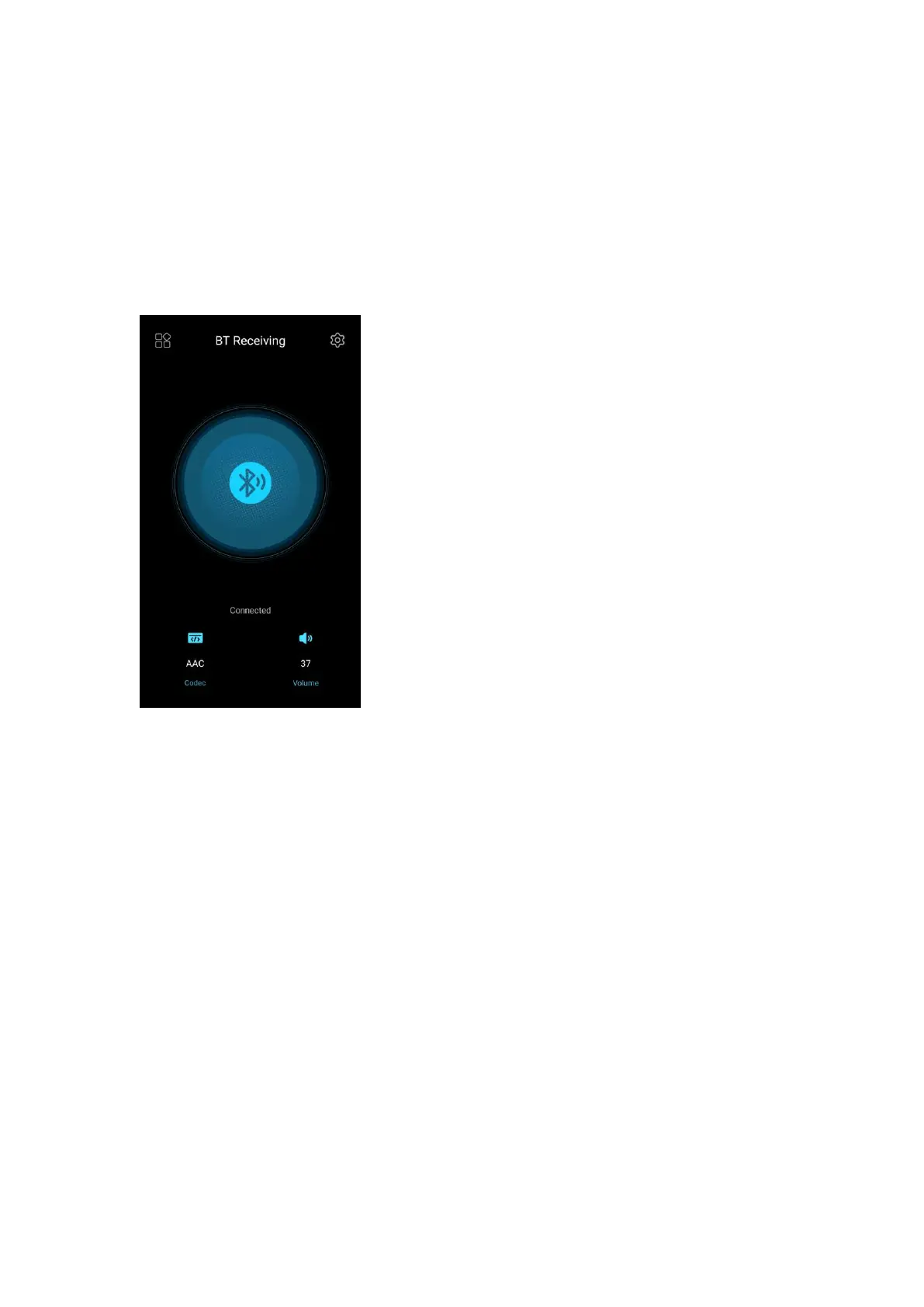
Bluetooth Receiving mode
1. Go to the drop-down or Settings menu of the R7, and choose the working
mode as Bluetooth receiving mode.
2. Go to the Bluetooth transmitting list of the mobile phone, and tap the R7 to
complete the connection.
Note: If the connection fails, please turn off the Bluetooth function for R7 and
mobile phone. Then turn on the Bluetooth again for try.



 To Next Page