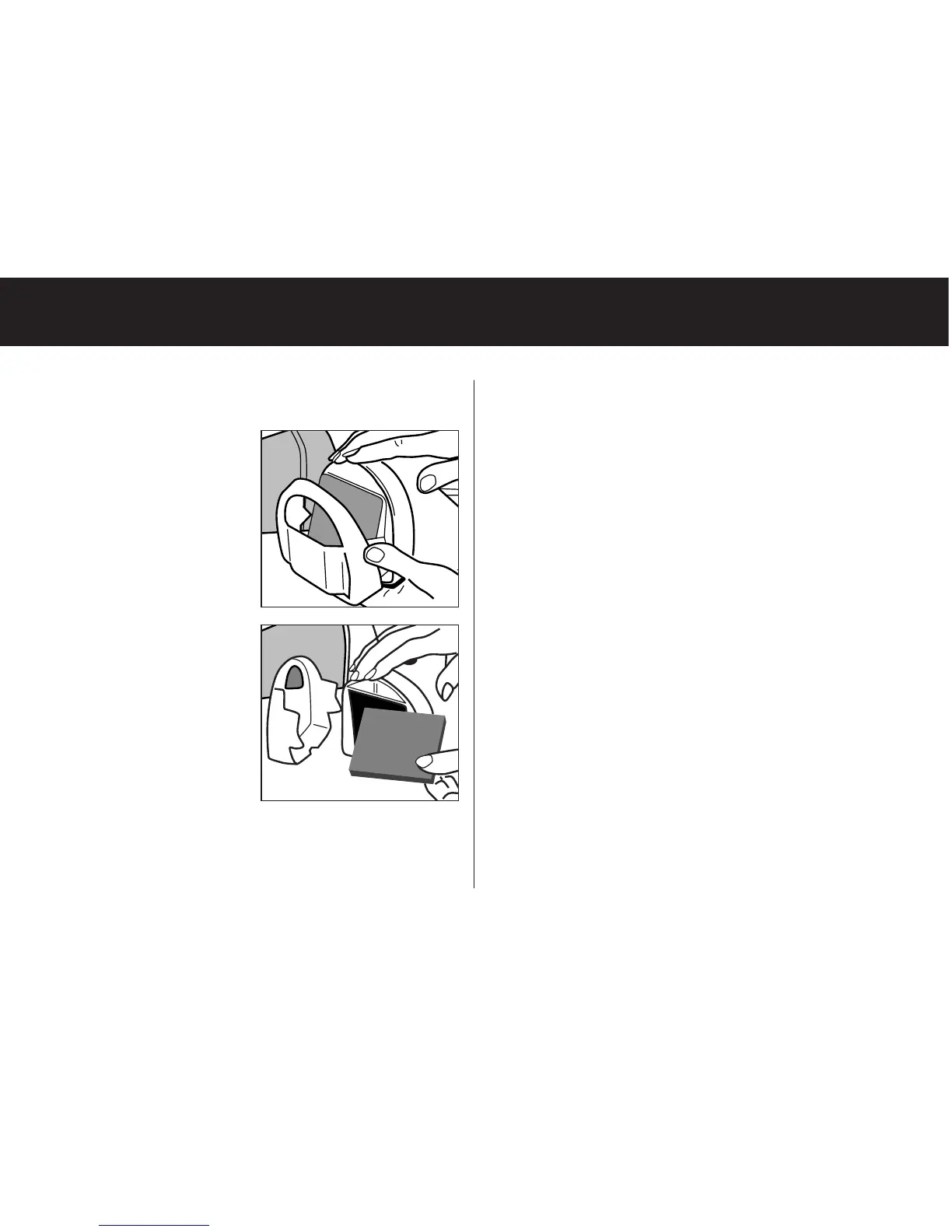
CLEANING/REPLACING FOAM AND
HEPA FILTERS
To remove/replace the
Filter (either foam or
HEPA) from the vac-
uum, please follow
these steps:
(a) Remove the Filter
Cover from the vac-
uum Handle/
Housing.
(b) Remove the Filter
from the Handle/
Housing.
(c) Clean the Filter as
follows.
Foam Filter Cleaning:
Wash the Foam Filter in
warm, soapy water until clean. Allow the Foam
Filter to dry before reinserting into the
Handle/Housing.
Note: Use only mild soap. Avoid detergents,
chemical cleaners or solvents as these may dam-
age the plastic.
HEPA Filter Cleaning: Use your finger to lightly
clean the paper surface of the HEPA Filter, clear-
ing off any dirt, dust, and hair.
NOTE 1: Do not wash the HEPA Filter. Water
will permanently damage the filter.
NOTE 2: Under normal household use, the
HEPA filter will last six (6) months to one (1)
year
(d) Insert either side of the clean Filter (or if neces-
sary, a new Filter) into the Handle/ Housing,
then snap-on the Filter Cover and reattach the
Bowl to the Handle/Housing (making sure that
the Pre-Filter is inserted into the Bowl).
NOTE: Filters should be replaced periodically to
provide best performance or when the filter has
been damaged.
17
MAINTENANCE/FILTER REPLACEMENT
a
b



 To Next Page