Tap any position on the app to meter the light or lock the exposure value.
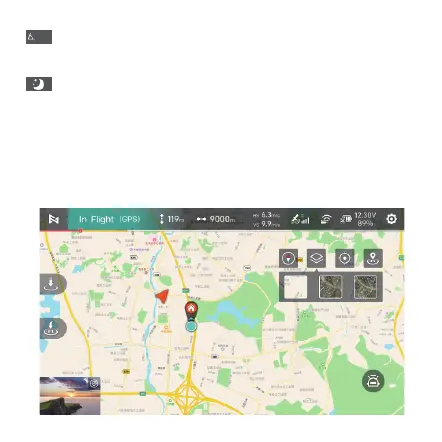
Interface of map:
7. Light metering and locked exposure
8. Map: Display the location of drone. Switch interfaces from specific
map, orientation ball and guided map.
46
:Display the current pitch angle of the gimbal,Long press the gimbal for more
than 2 seconds to vertically downward, double-click the gimbal to return to
center
-57.3
:In video mode, quick toggle for AI Super Night Mode.



 To Next Page