11
5.6 Setting Mode and Shortcut Key
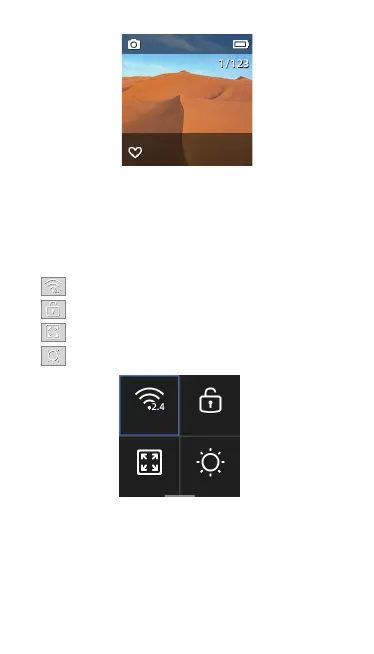
When in preview page, swipe down to enter to the menu settings.
5.6.1 Shortcut Key
5.6.2 Gimbal Setting
Click to switch four different gimbal modes.
·【Pitch Lock】: The pitch axis and roll axis are locked in this mode. The
pan axis follows.
·【 Lock】: Three axis are locked in this mode.
·【Follow】: Roll axis locked while pan and pitch axis follows.
·【FPV】: Three axis follow.
Click to turn on or turn off WIFI.
Click to turn off and lock the screen.
Click to change the size of preview page.
Click to adjust screen brightness.
WiFi Lock
Display Brightness



 To Next Page