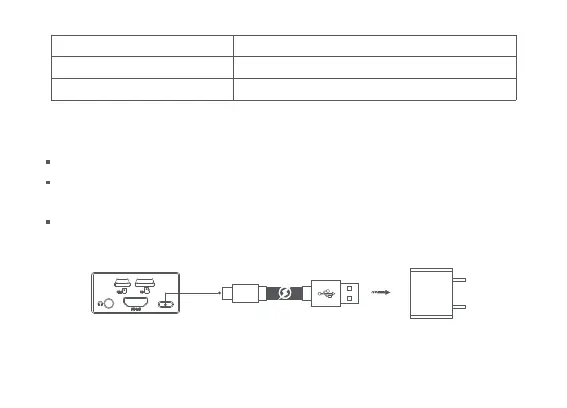
Charge and view battery level
Please fully charge the remote control before using it for the first time.
The built-in battery of the remote control will enter the sleep mode as the factory default , please
charge and activate it before use.
Using the recommended charger. Charging time takes about 2.5 hours (9V charger).
Working environment temperature -10 -60℃
GNSS GPS,GLONASS,BEIDOU
Charging ambient temperature 0-40℃
USB-C cable
(charger not included with the product)


 To Next Page