Pairing
After turning on the drone and the remote control, long press the pairing button of the drone until the
tail light goes off, the drone enters the pairing state, and then long press the remote control C1+C2 at
the same time. After pressing the buttons for more than 5 seconds, the remote control enters the
frequency pairing state. After a few seconds, the tail light of the drone will be turned on again, indicating
that the pairing is successful.
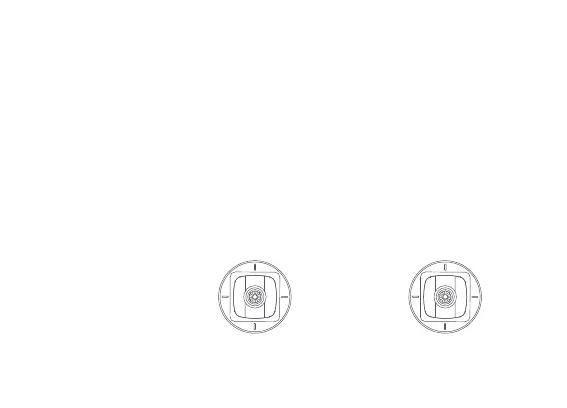
Sticks Control
Mode 1
Forward
Backward
Up
Down
Counter-
clockwise
Clockwise Left
Right
Left stick Right stick


 To Next Page