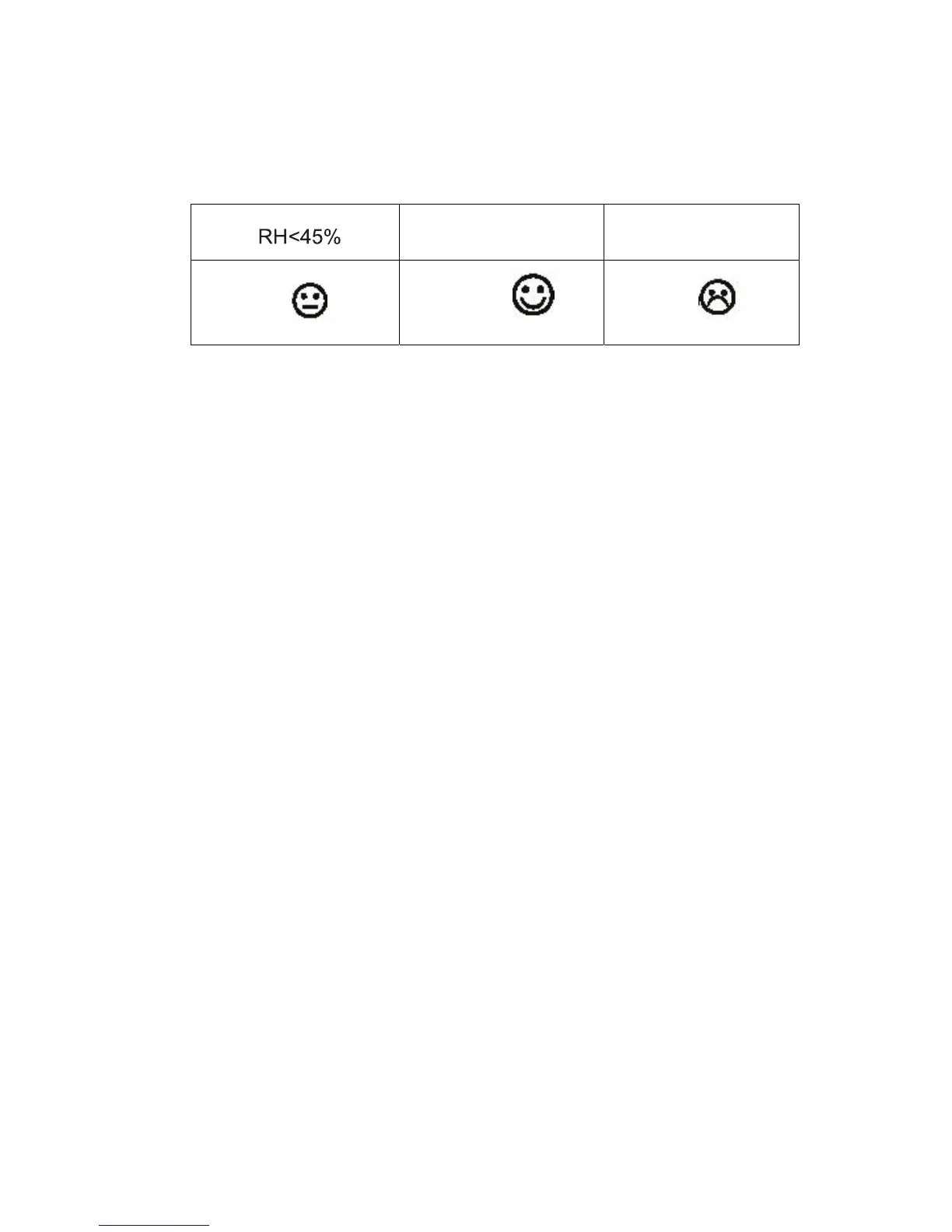
RH 45%~65% RH >65%
dry
comfort
wet
4. Program Mode
The base station has four keys for easy operation: SET key, ALARM key,
MIN/MAX/- key, CH/+ key.
4.1 Setting Mode
- While in normal mode, press the SET key shortly to shift the display of Time and
Year.
- While in normal mode, press the SET key for 3s to enter the setting mode,
- In the setting mode, press the SET key to select the following setting in
sequence, press CH/+ key to select the units or scrolls the value. Press
MIN/MAX key to decrease the value.:
1. Five language select for day display
(English:ENÆRussia:RUÆGerman:GEÆFrance:FRÆSpain:ES)
2. LCD contrast level select from 1 to 8. (Default 4)
3. Time zone
4. RCC on/off
5. 12/24 hours
7. DDMM/MMDD (Day Month/ Month Day)
8. Year (2000-2099)
9. Month
10. Date
11. Hour
12. Minute
13. Temperature display unit degree Celsius or Fahrenheit
- 10 -



 To Next Page