Page 7
DFT8 Reverse Osmosis Filter
Preparation and Installation
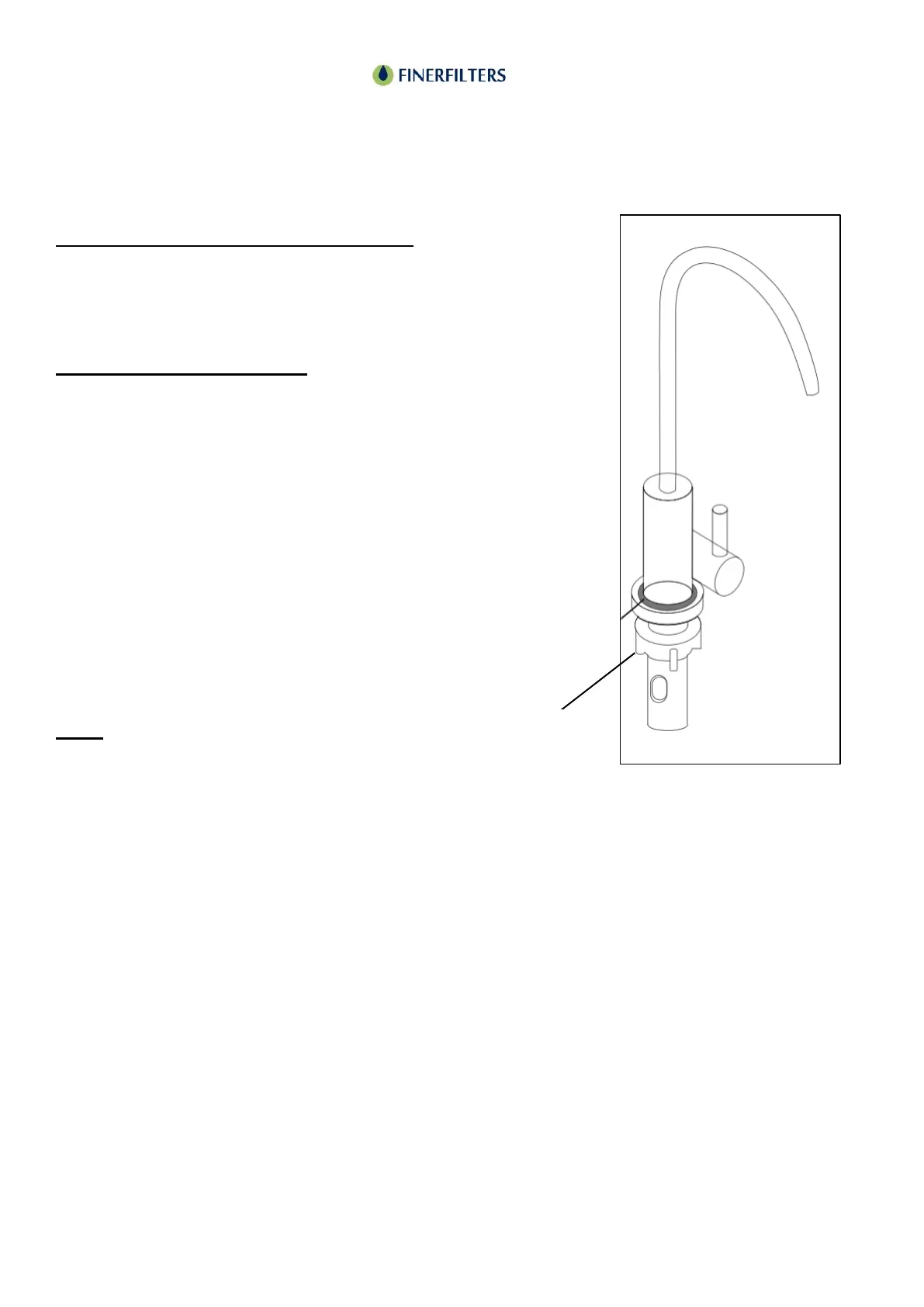
Smart Light Display Faucet Instructions:
Upon powering on the unit, the light ring on the
faucet will flash three times, displaying colours in
the sequence of blue, orange, and blue.
Filter Element Life Indicator:
Throughout the lifespan of the filter element, turning
on the faucet will illuminate the light ring in bright
blue, indicating the filter is functioning properly.
As the filter element nears the end of its lifespan (at
10% remaining life), turning on the faucet will cause
the light ring to flash blue, signalling it's near time
for a replacement.
Once the filter element life depletes to the
predetermined set value, turning on the faucet will
illuminate the light ring in red, indicating the need
for filter replacement.
Note:
The light ring will remain off when the faucet is not
in use to conserve power.



 To Next Page