UM-0821 28
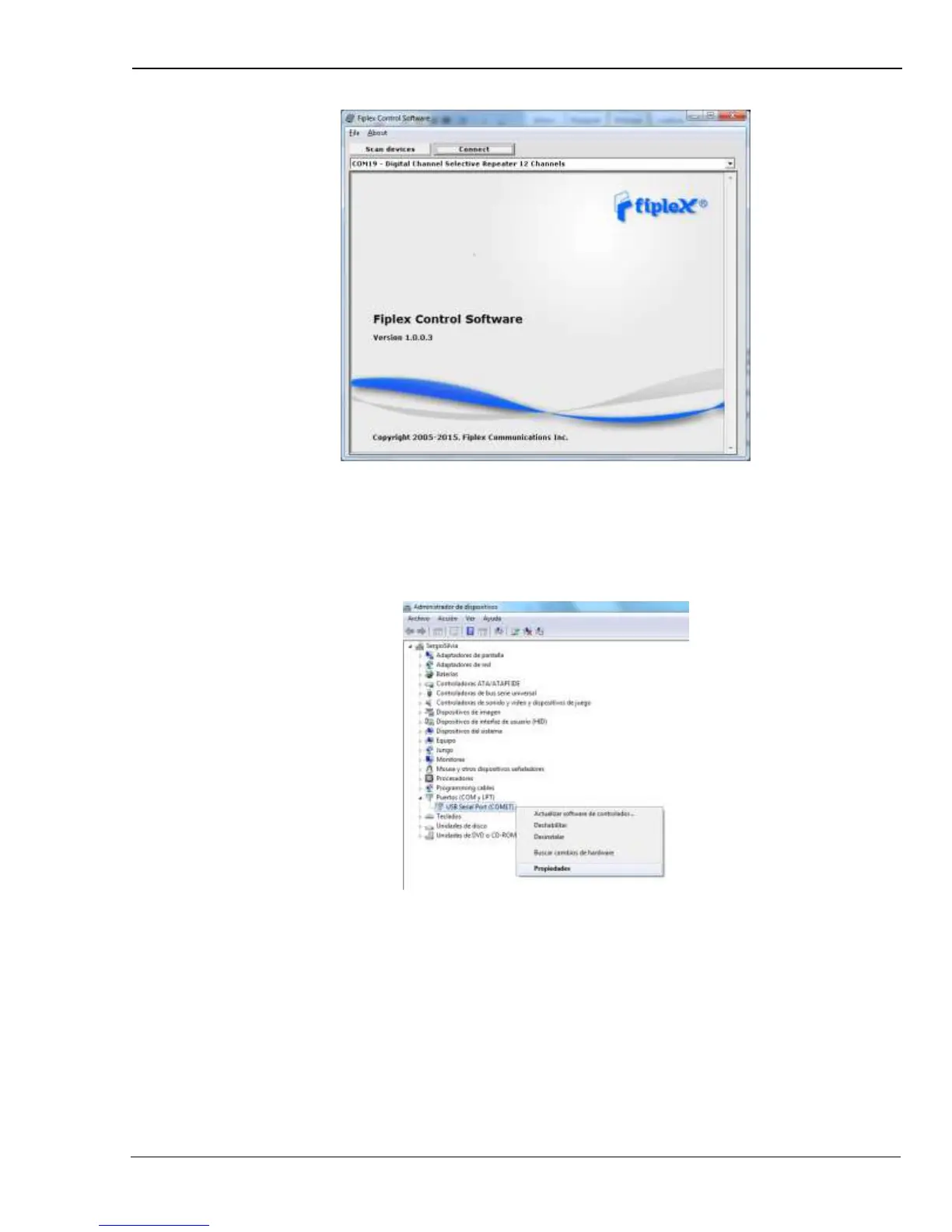
Now, the Fiplex Digital Signal Booster is shown in the list of available devices, and
connection button is enabled.
NOTE: Fiplex Signal Booster could not appear in list, if COM port number is higher than
COM16, depending on Windows version. COM port number can be forced to arbitrary
number (below COM16) through Device Administrator. In order to change COM
number, click “Properties” pop-up menu:
Click “Advanced Options”


 To Next Page