* FB200AS connection condition check-sequence
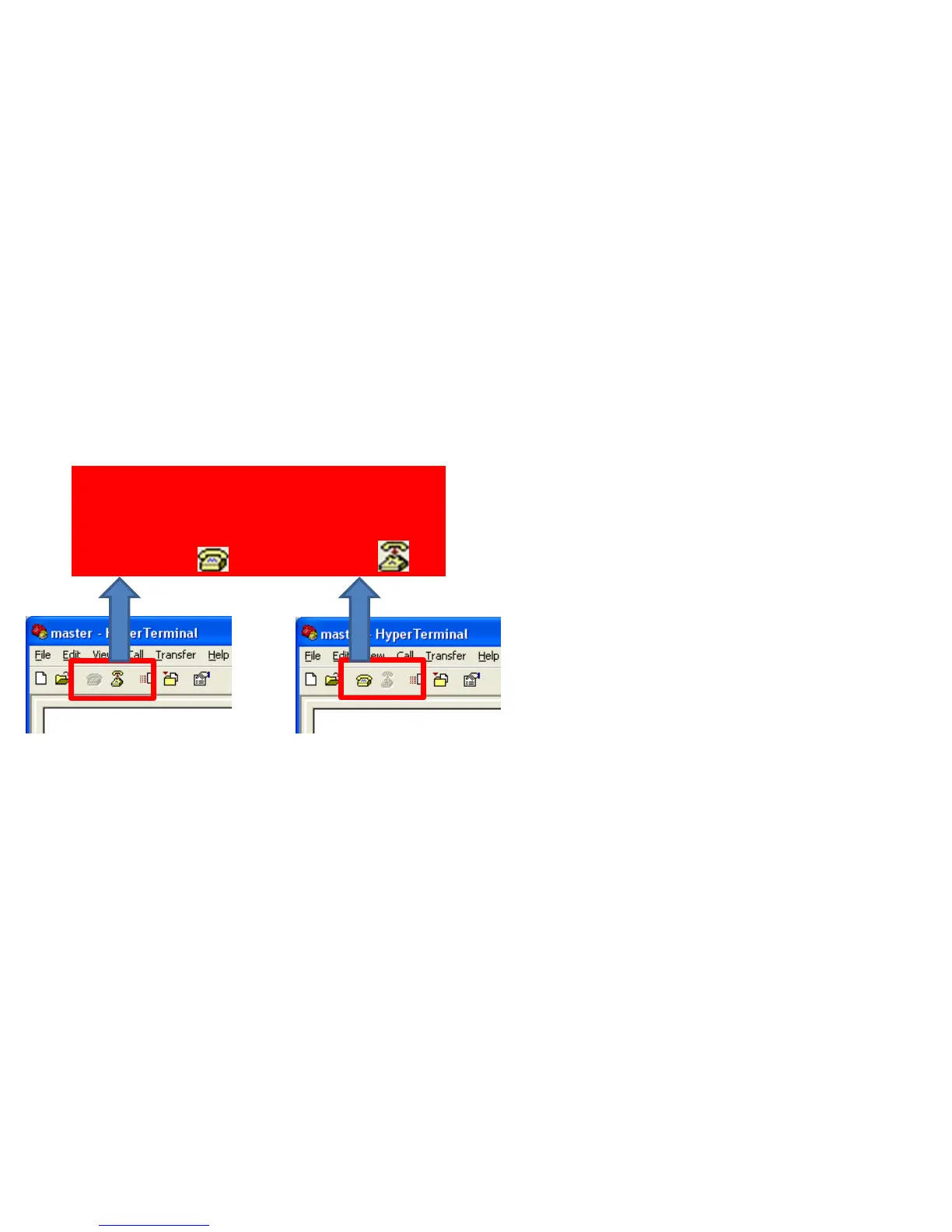
• Finish hyper terminal or the condition
connected with virtual serial port, if
FB200AS is not operated normally or
any word output is not made from
hyper terminal. (Please refer to the
left in order to disconnect virtual
serial port.)
• Restart FB200AS by pressing OFF and
then ON switch of FB200AS power-
supply.
• Confirm communication speed and
other connection agendas.
< Condition using virtual
serial port >
Disconnected with virtual port on
hyper terminal using virtual port by
changing to( ) after clicking ( ).
< Condition not using virtual
serial port >



 To Next Page