Quick Guide uses factory reset value of product for
explanation purpose.
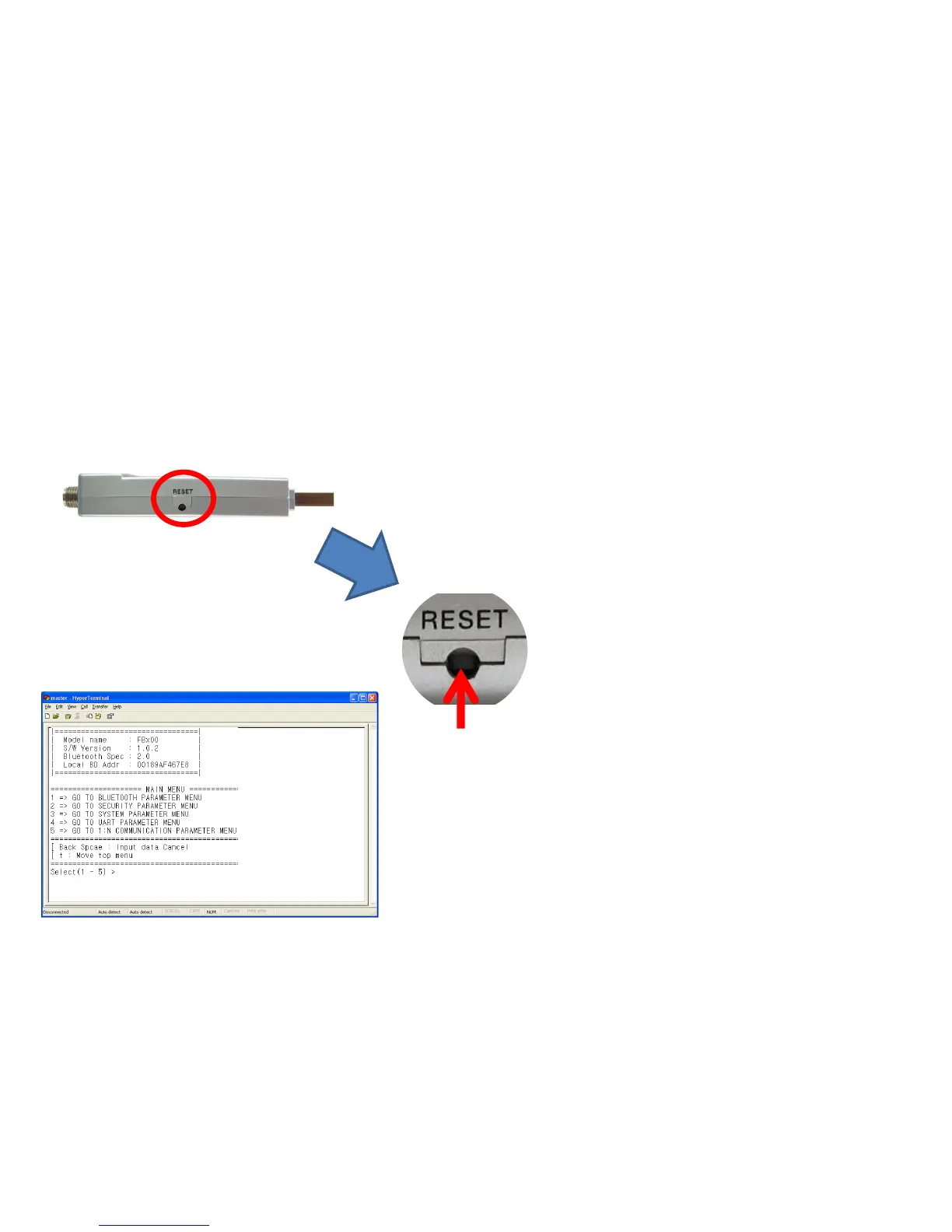
Progress factory-Reset as follows in case of used
product or other setup product.
Confirm "RESET" of a side "FB200AS".
• Press a Reset Switch in hole by using tweezers.
• FB200AS is reset if environment setup message
output is made from hyper terminal.
• Reset Switch is operated only on environment
setup-condition.
(8) Factory Reset Progress



 To Next Page