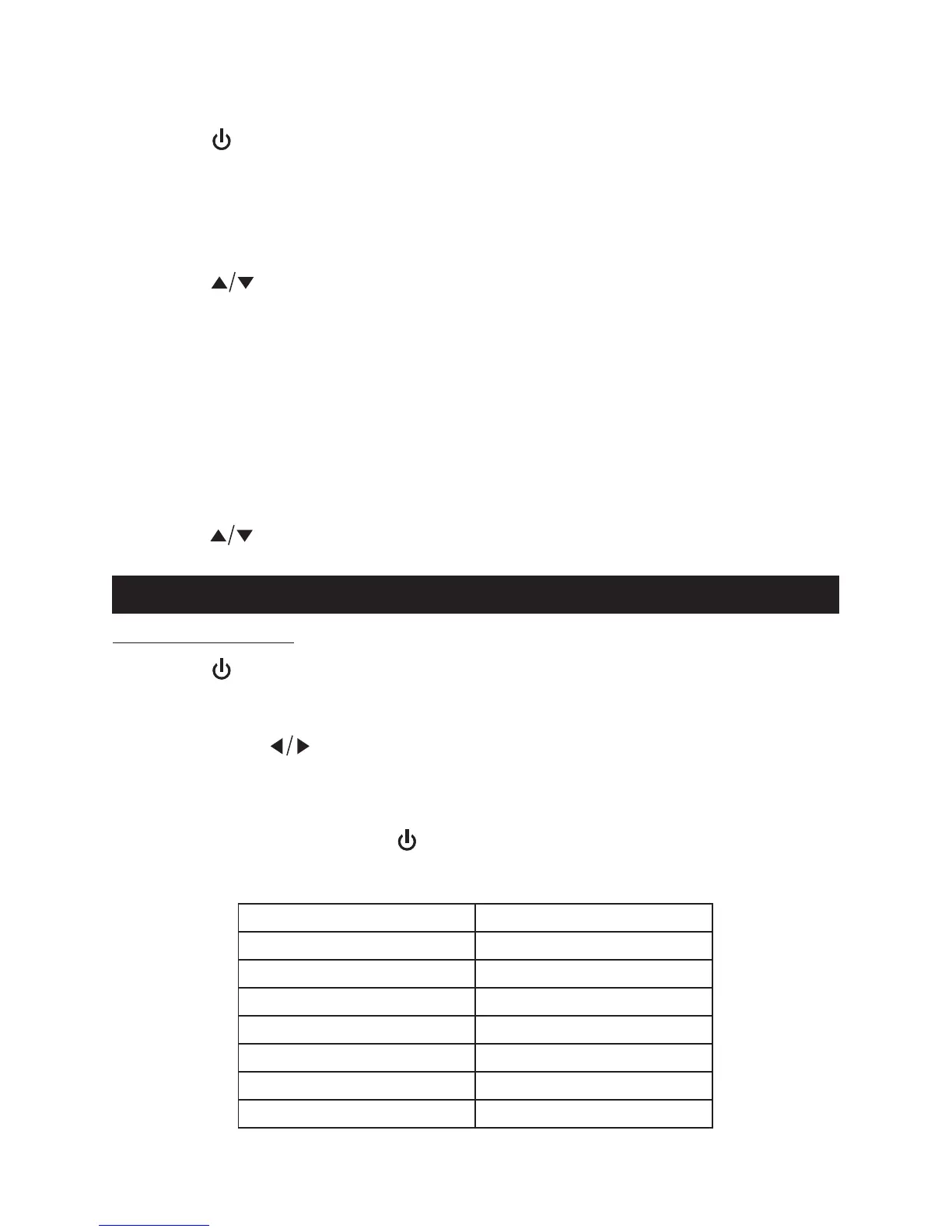
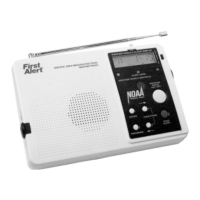
PRESET RADIO STATIONS
This unit has 10 preset memories for the AM radio and 10 preset for FM.
1. Tap the button to turn the unit ON.
2. Tap the MODE button repeatedly to select AM or FM mode.
3. Tune to the desired radio station either by “manually” or “automatically”
tuning method.
4. Press and hold the memory SELECT button to enable the program function.
The radio preset number “M1” will show on the LCD display and flash.
5. Tap the button to select the preset number you want to assign the
station to.
6. Tap the SELECT button to save the station, preset channel number stops
flashing.
7. Repeat above steps 3-6 to store other stations.
Note: If you select an existing preset memory, the new radio station
frequency will replace the existing one.
RECALLING PRESET MEMORY CHANNELS
1. In AM or FM radio mode, tap the MENU button, memory preset number
appears in display.
2. Tap the button to select the preset memory.
WEATHER BAND
1) Weather Radio
1. Tap the button to turn on the unit.
2. Tap the MODE button to select weather band, the "WB" icon will show on
the display.
3. Tap the tuning button to select the weather band channel for your area.
Note: Weather band channels can only be selected in WB mode but not
Alert mode.
4. Press the VOLUME+/ - button to obtain the desired sound level.
5. To turn the radio off, tap the button.
Weather Band Channel Frequency Table
CHANNEL
CH1
CH2
CH3
CH4
CH5
CH6
CH7
FREQUENCY(MHz)
162.400
162.425
162.450
162.475
162.500
162.525
162.550
14


 To Next Page