22
OPERATING INSTRUCTIONS
Water filter
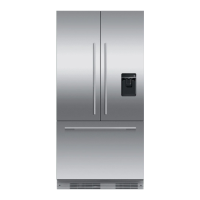
The water supplied to your appliance for ice making is filtered to remove impurities
through a filter located the bottom front of your appliance. Replace your filter
cartridgeevery 6months.
There is a replacement indicator icon on the control panel which will appear when
the filter needs replacing.
Replacement filter cartridges can be purchased online from fisherpaykel.com or by
calling Fisher & Paykel Customer Care. Details of the replacement filter cartridge are
labeled on the cartridge. Instructions on how to install your replacement water filter are
provided with the filter.
To reset indicator:
Press and together for 4 seconds.
The on the control panel will turn off when reset.
IMPORTANT!
We recommend the water filter to be used from the time of installation.
Do not reset indicator before filter is changed or filter monitoring will be inaccurate.
To disable the filter indicator:
When no filter is fitted, you can disable the filter indicator.
To disable filter indicator, press , and together for 4seconds to turn it off. The
will flash once on the internal and external displays.
To turn on the filter indicator again, press , and together for 4seconds, The on
the control panel and external display will flash twice.



 To Next Page
 Loading...