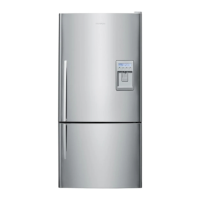
Control panel to adjust temperatures
Fig.4 Control panel
Fresh food compartment
• The fresh food compartment light on the refrigerator diagram will be showing. The temperature indicator
illustrated by a thermometer will show the temperature setting for this compartment as a series of lights.
• The temperature may be altered by pressing the
or
buttons. One press on either of these buttons will produce a dimmer light which indicates a small change in
temperature.
• Pressing either button twice gives a brighter light and indicates a greater change in temperature.
• Fewer lights on the thermometer means a cooler temperature for the compartment selected.
Freezer food compartment
• To adjust the freezer temperature press the
button until the light flashes on the freezer compartment indicator.
• The freezer temperature can be altered by pressing the
or
buttons.
• One press on either of these buttons will produce a dimmer light which indicates a small change in temperature.
Pressing either button twice gives a brighter light and indicates a greater change in temperature.
https://producthelp.fisherpaykel.com/nz/Cool/Freezers/Chest/H360XWH/User_Guide_H360XWH/ActiveSmart_refrigerators/01_Operating_instructions
Updated: Fri, 01 Mar 2019 05:39:49 GMT
Powered by
2



 To Next Page
 Loading...