Option 1: Attaching the mounting pad
directly to the guitar’s top
1. Clean the area where you’ll mount the pickup with
a soft, lint-free cloth.
2. With the thinnest mounting pad attached, slide
the pickup beneath the strings and the guitar body
near the bridge. Orient it so the output wire is closest
to your low E string. Align the pickup perpendicu-
larly to the strings, with the pole pieces (six metal
elements on the pickup’s top surface) centered as
accurately as possible beneath the strings.
3. The pickup should be as close as possible to the
strings, but not so close that the strings rattle against
the pickup. Experiment with the four mounting pads
to find the one that fits best.
2
Mounting the TriplePlay pickup
Unlike the TriplePlay controller, the TriplePlay pickup
must be precisely positioned as near as possible to
the front of the guitar’s bridge. The pickup height
should be as close as possible to the strings, with-
out the strings touching the pickup, even when
strummed aggressively. The ideal distance of 1mm
can be verified using our provided guitar-shaped
height spacer.
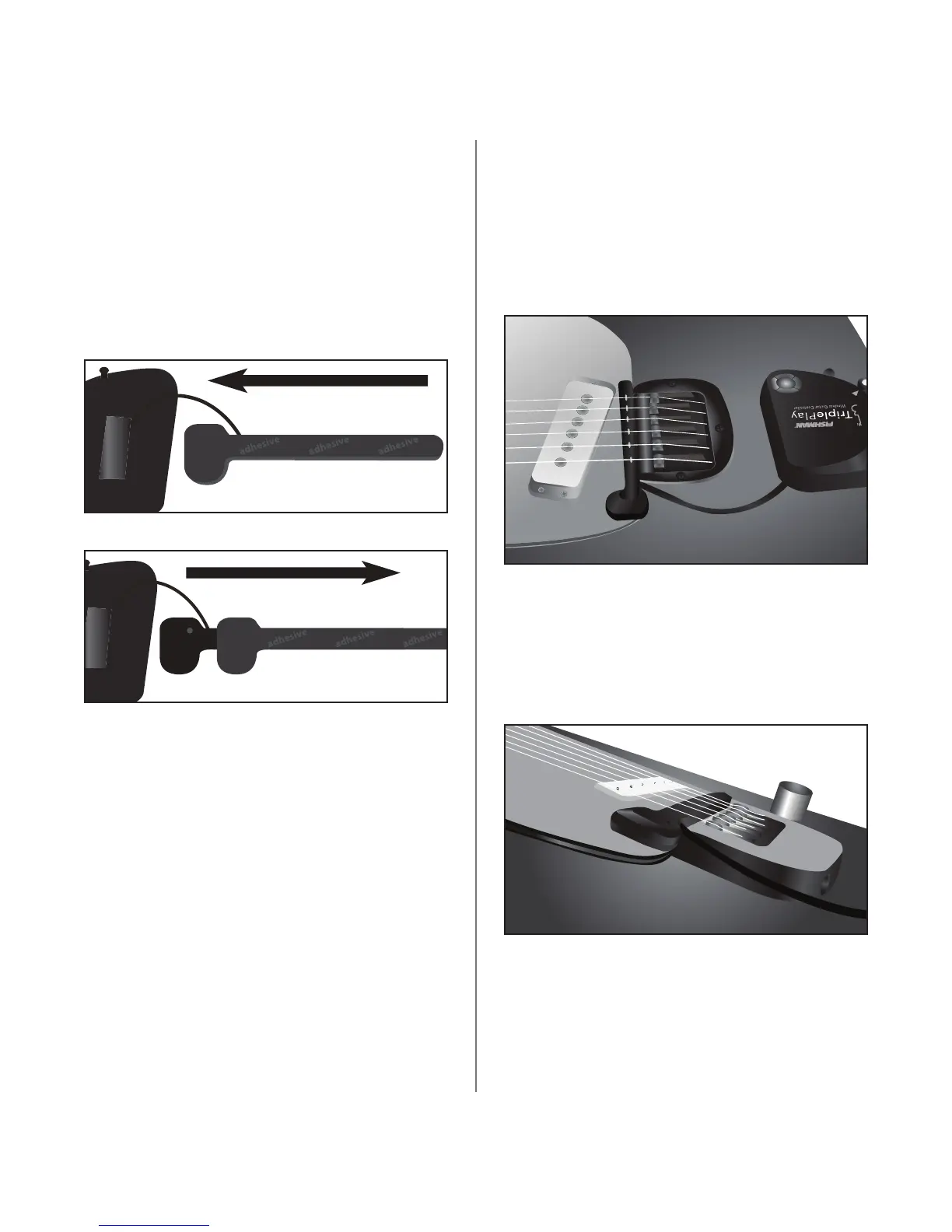
Start by inspecting the pickup and the four plastic
pickup mounting pads. Note how the pickup slides
into each of the pads.
Four mounting pads are provided to accommodate
instruments with varying distances between the
guitar’s top and the strings. After you attach one of
these mounting pads to your guitar, you’ll be able to
remove and reattach the pickup in seconds.
There are two ways to attach a pickup mounting
pad: directly to face of your guitar, or using one of
the included metal brackets designed to work with
Tune-O-Matic bridges.
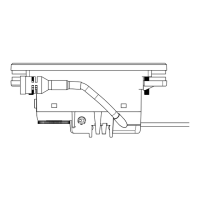
figure 3b The TriplePlay pickup slides into the pickup
mounting pads. The pad remains attached to your guitar.
figure 3a
figure 4 Position the pickup as close as possible to the bridge
with the pole pieces centered beneath the strings
figure 5 Here the strings are relatively close to the body,
so the thinnest pickup mounting pad works best.



 To Next Page