35
English
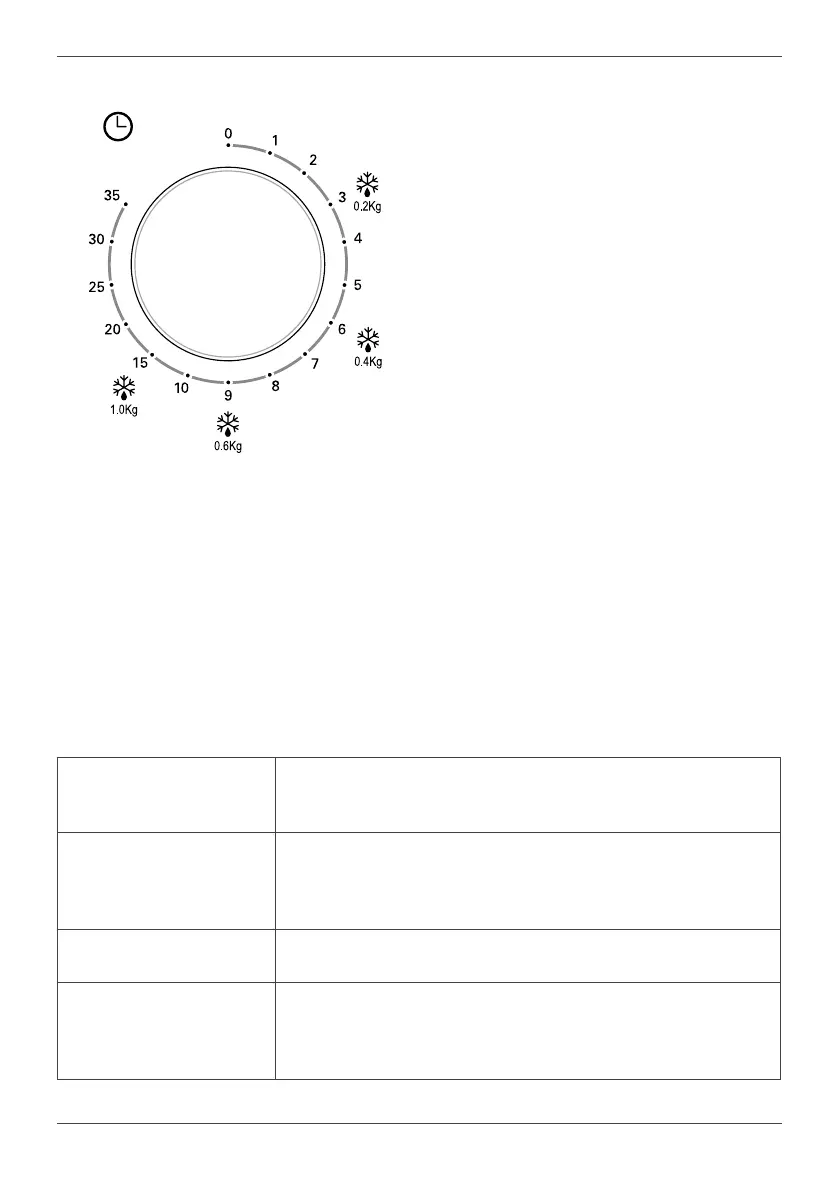
Timer
This allows you to select the desired
cooking me, up to 35 minutes per session,
by rotang clockwise.
Use
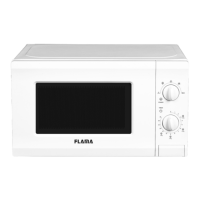
To cook using your microwave:
1. Place the food/container on the
rotang plate and close the door.
2. Turn the power selector to the desired
posion.
3. Turn the mer to select the cook me.
Note: As soon as the mer is turned, and
if the door is shut, the microwave will start
working.
To select a me of less than 2 minutes, turn
the mer beyond the 2-minute mark and
then turn it back to the correct me.
Whenever food is removed from the
microwave before the selected cook me
has nished, turn the mer knob to zero.
To interrupt the cooking process, open the
door of the microwave or turn the mer
knob to zero.
Note: When removing food from the
microwave, make sure it is turned o,
turning the mer knob to 0. If you do not do
this and run the machine without food, it
can overheat and damage the magnetron.
WARNINGS
The microwave was
started on accident with
no food inside.
It is very dangerous to use the appliance without food inside.
The microwave
interferes with television
recepon.
Radio or television recepon may experience interference
when the microwave is in operaon. It is similar to the
interference caused by small electronic devices, such as
blenders, vacuums, and fans. This is normal.
Weak microwave light. When cooking on low power, the microwave light may be
weak. This is normal.
Accumulaon of steam
on the door, hot air
escapes from the
venlaon openings.
Food may release steam when cooking. Most of it will escape
through the venlaon openings. However, some steam may
accumulate in cold places, such as the microwave door. This
is normal.


 To Next Page