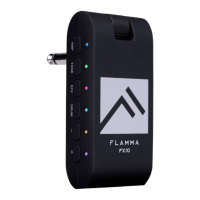
a. Press DRUM to turn on the drum machine. You can press and hold the DRUM to turn
off the drum machine, the LED indicator will show the On/Off status of drum machine.
b. Select drum groove
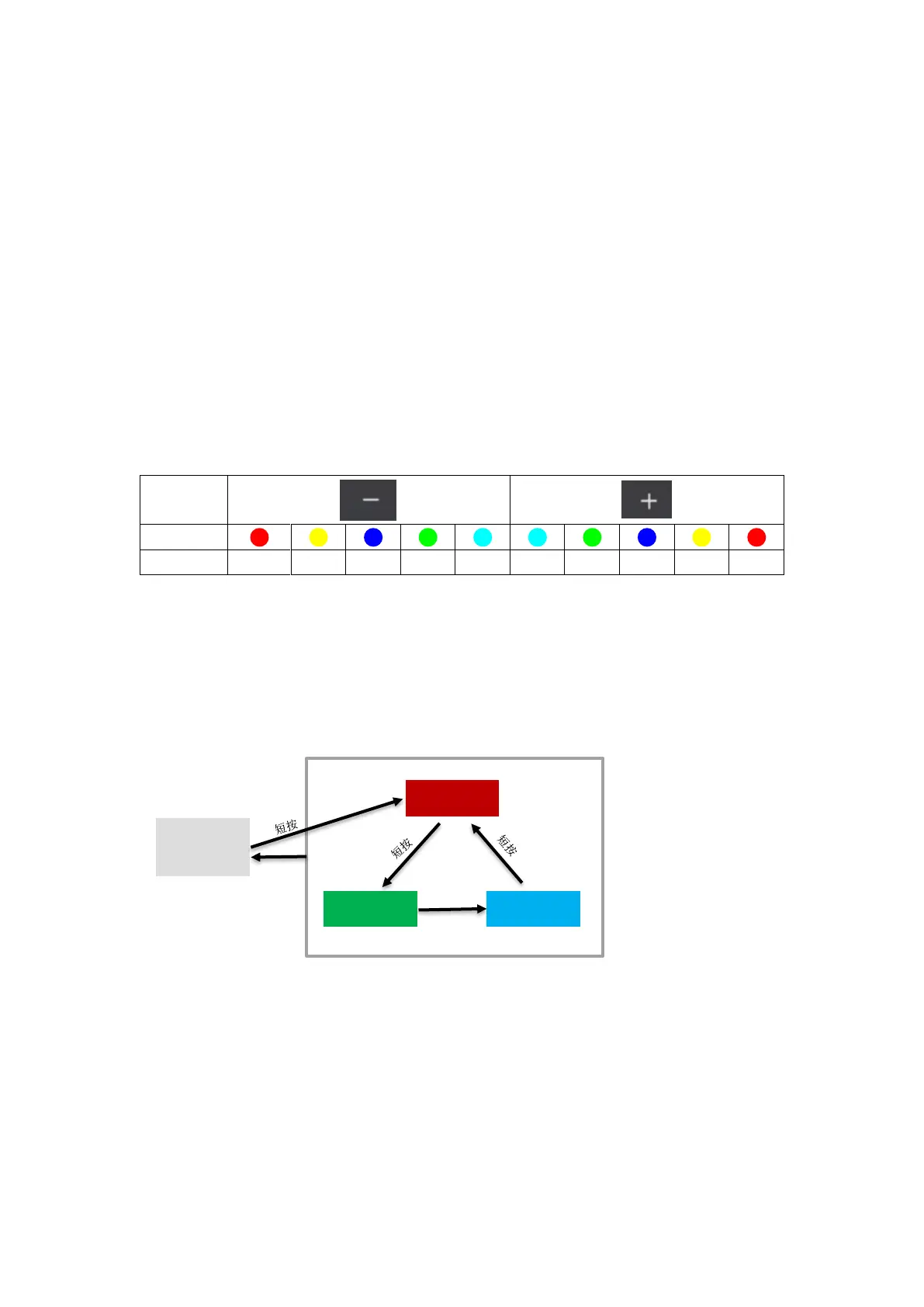
FX10 has 28 different drum grooves. When drum machine is on, press the DRUM to
switch between three parameter adjustment modes. The color of the LED indicator will
show the currently selected mode. RED indicates drum groove. Please refer to the
groove list in the next session for use.
c. Adjust volume level of drum machine
When the DRUM is selected, press DRUM several times to enter volume level
adjustment mode (LED indicator illuminate as GREEN). You can press the -/+ buttons
to adjust the volume level of drum machine. Please refer to the color of LED indicator for
adjustment.
d. Adjust drum machine speed
When the DRUM is selected, press the DRUM for several times to enter speed
adjustment mode (LED indicator will blink as BLUE). Press -/+ button to adjust the speed
via 1 BPM each time. Press and hold -/+ to increase or decrease the speed quickly. The
speed of drum machine ranges from 40 BPM to 260 BPM.
(状态跳转说明)
鼓机关闭:Drum Machine Off
节奏选择:Select Drum Groove
音量调节:Adjust volume level
速度调节:Adjust speed
短按:Press
长按:Press and hold
状态跳转说明:Drum machine operation diagram


 To Next Page
 Loading...