2. Instructions
1. Start
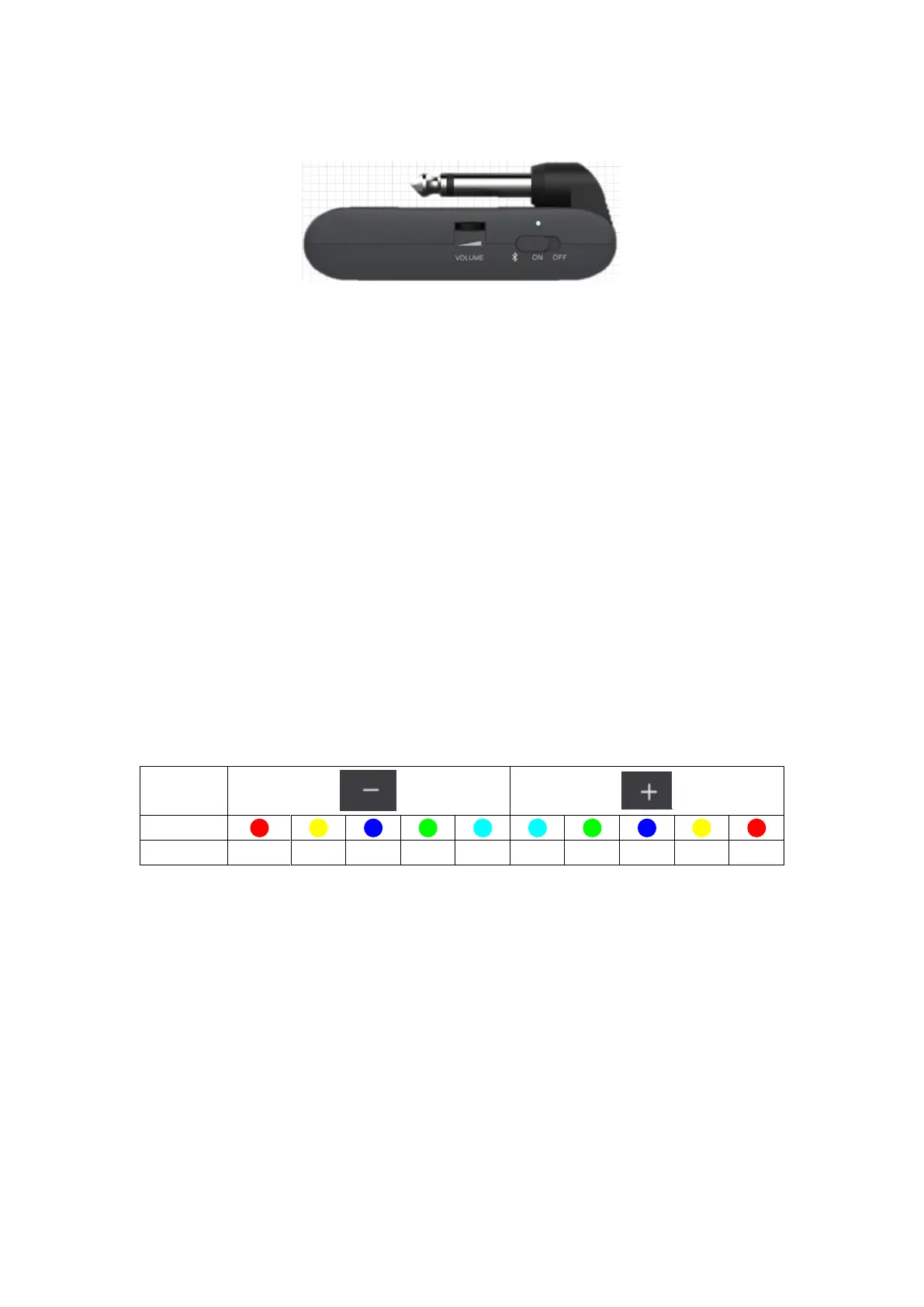
Toggle the power switch to the ON position. The power indictor will illuminate and turn
blue for when power is on. You can toggle the switch to Bluetooth icon to turn on
Bluetooth Audio function.
2. Tone/Effect Adjustment
a. Select amp model: Press AMP to select AMP module (preset patch), then press the -/+
buttons to select between 14 different amp models. The color of LED indicator will show
currently selected amp model.
b. Adjust tone color: Press TONE to select TONE module, then press -/+ buttons to
switch between 5 different tone colors.
c. Select EFX: Press EFX to select EFFECT module, then press the -/+ buttons to switch
between different effects
d. EFX adjustment: Each effect in the EFFECT module has a hidden parameter
adjustment mode and the selected effect can be adjusted between 10 different levels.
When EFFECT module is selected, press and hold EFX to enter hidden parameter
adjustment mode, then press the -/+ buttons to adjust it. The color of LED indicator will
show currently selected level.
e. Bypass EFFECT: When the EFFECT module is selected (LED indicator is on), press
the EFX button to bypass EFFECT module.
f. Saving: When the parameter adjustment is complete, current tone will be saved into the
currently selected AMP module as a preset patch, which includes AMP type, TONE color,
EFX On/Off, EFX type, and EFX hidden parameter.
Note: When a module (AMP/TONE/EFX) is selected, the corresponding LED indictor will
illuminate completely, otherwise it will illuminate in half brightness.
3. Drum Machine


 To Next Page
 Loading...