CHANGE BETWEEN CONTROLLER AND DISTANCE SENSOR
Activate distance sensor: Press and hold the Ahead key for 2 seconds until you hear a double
beep. LED of Standby-Button and P- Button flash slowly.
Deactivate distance sensor: Press and hold the Ahead-Button for 2 seconds. The trolley is now
in controlle mode again.
The distance sensor, also called proximity sensor, reacts to your body and to your distance to
the trolley. When the distance sensor is activated, you walk at a distance between 15 and 50
cm behind the handle of the trolley. The Ahead automatically adjusts to your walking speed
and maintains the distance to you. This also works downhill. As soon as you step out of the
beam angle to the left or right, the Ahead stops.
As a third control element, the Stop and Go remote control can be used. With the remote
control, the trolley can travel a distance of up to 50m. The use of the remote control is
independent of the current mode (potentiometer mode or distance sensor).
OPERATION VIA REMOTE CONTROL
Press and hold button = Trolley starts going
Release button = Trolley stops
Note: You can not steer with the remote control
DE
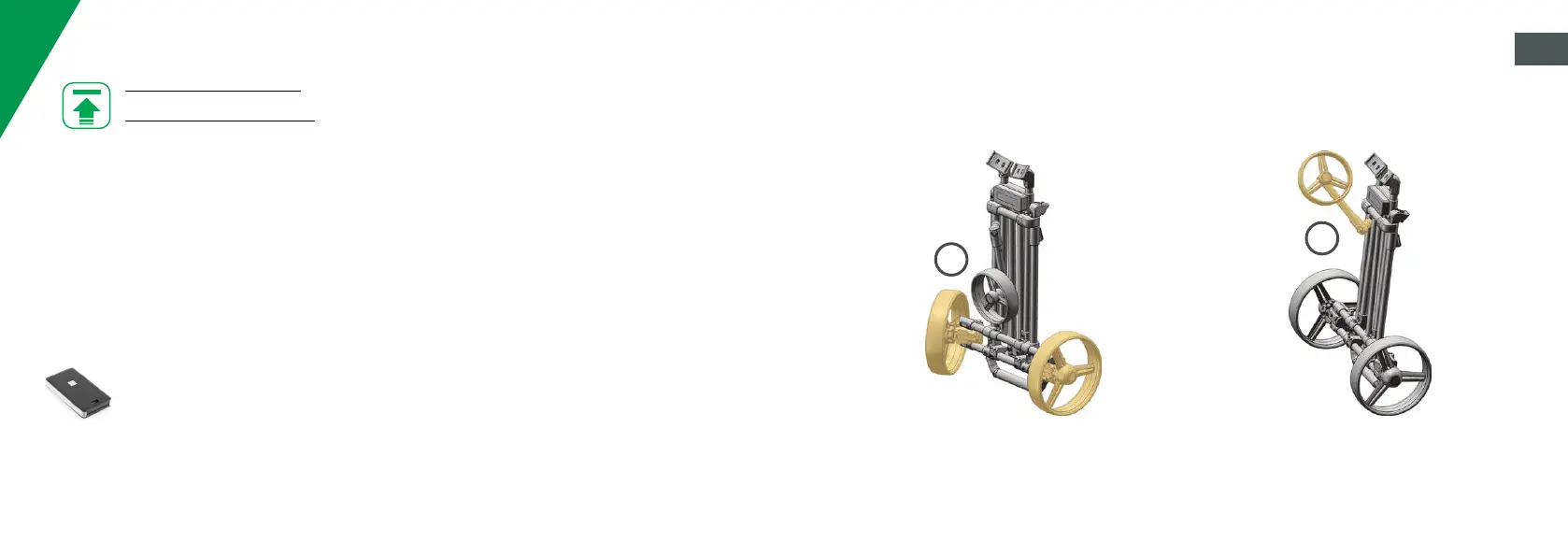
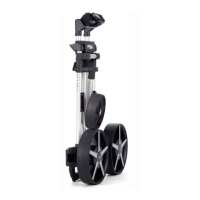
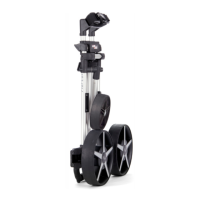
THE UNIQUE FOLDING MECHANISM
Unfold both back wheels until they click into
place.
1
Unfold front wheel until it reaches 45°.
2
EN


 To Next Page