18 meters: press distance button (1x) (LED flashes slowly).
36 meters: press distance button for 1 sec. (LED flashes fast).
Emergency brake: press standby button.
The Park Assistant turns on as soon as the programmed distance is reached.
The distance assistant can only be activated when the vehicle is standing.
DISTANCE ASSISTENT
Adjust speed of Trolley incl. Stop-and-Go Function: Adjust your requested speed
once. To stop Trolley press standby button. To start press standby button again.
The Trolley will move on in before adjusted speed limit.
CONTROLLER
The parking assistant is automatically activated after stopping (Standby).
To release the Park Assistant click on the park button or use the Standby button to
carry on with the prior speed.
To activate the Park Assistant manually click on the park button.
PARK ASSISTENT
Power on: press standby button for about 3 sec. (LED flashes).
Moving: press standby button (1x).
Stopping: press standby button again (1x).
Power off: press standby button for 3 sec. (LED off).
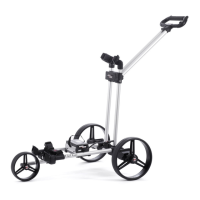
When Trolley is stopped or turned off, the Trolley is in automatic free-wheel mode.
STANDBY BUTTON
EN


 To Next Page