RGB
13
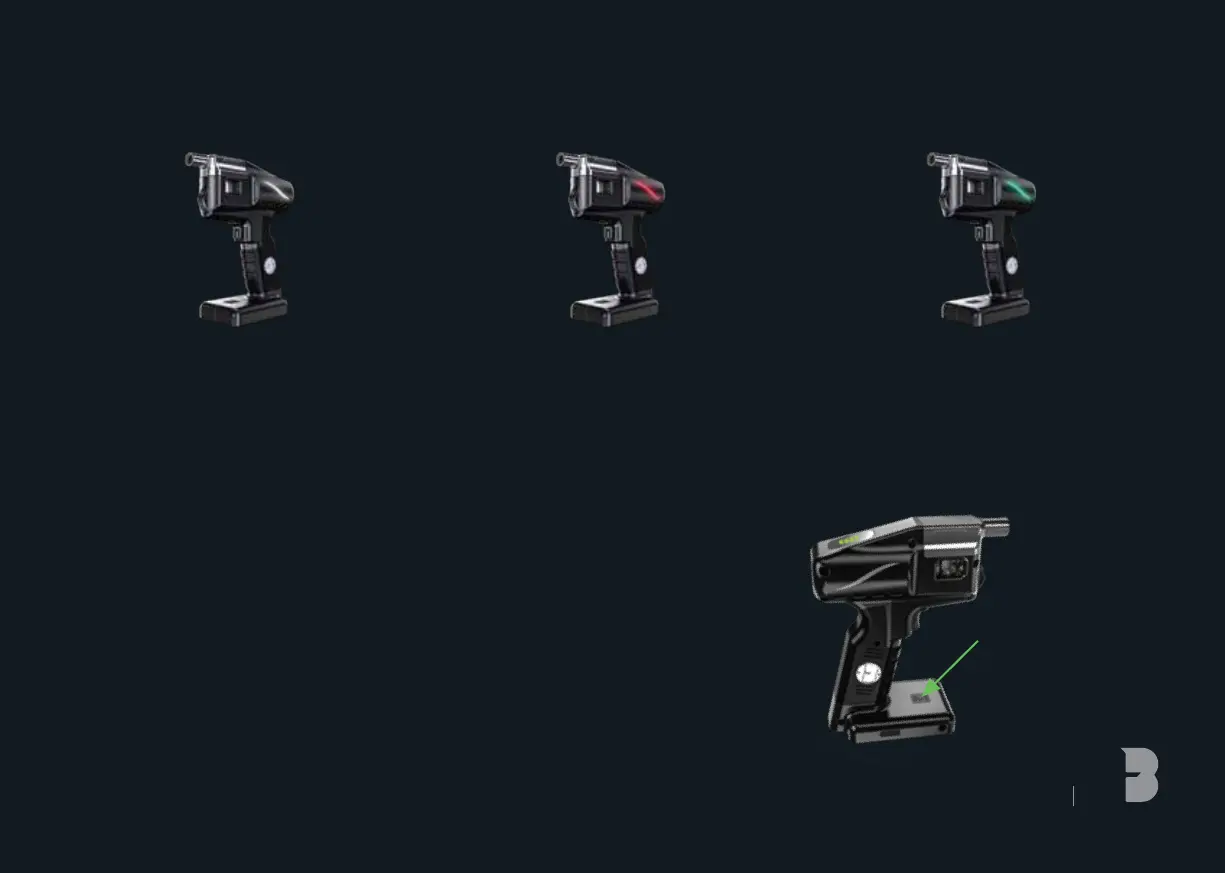
2. RED LED FLASHES
RGB COLOUR CHANGE
i) Press and hold RGB button for 3 seconds to turn on 4 colours
RGB starts auto colour cycle mode
Each color switching time is 3 seconds
ii) Press for 3 seconds to exit cycle mode
iii) Press 3 times (within 2 seconds) to select colour
iv) Press 1 time to change a color
v) Press for 3 seconds to enter cycle mode
RGB WARNING
3. GREEN LED FLASHES
x3 Coil needs replacing
x5 Tank detected
x3 Tank not detected
x5 Battery wattage low
1. WHITE LED FLASHES
x3 Temperature too high
x4 Excess use heat protection
x5 Power On/Off



 To Next Page