Flexcom Kommunikációs Kft Üzembehelyezési és használati útmutató (2021/10/14)
13/25
Using the product
User Interface
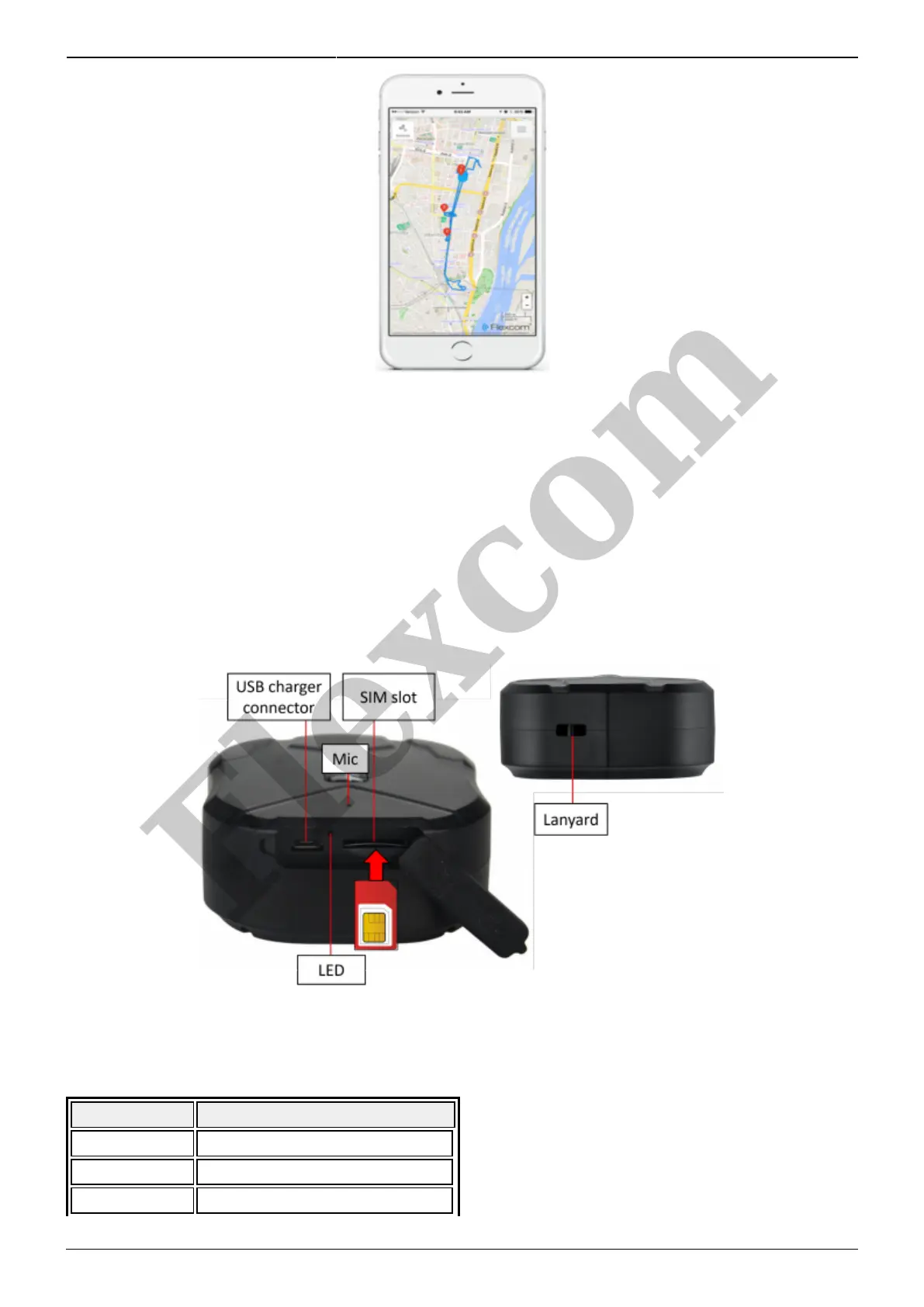
The device does not have a traditional user interface (eg on / off button). An LED indicator informs the
user about its operation and status. In addition, only the charger connector, the SIM card slot and a
carrying strap can be connected on its surface.
LED display statuses
Display Status
Solid yellow No mobile network connection
Flashing yellow Connected to a mobile network
Solid blue No satellite connection
Flexcom


 To Next Page