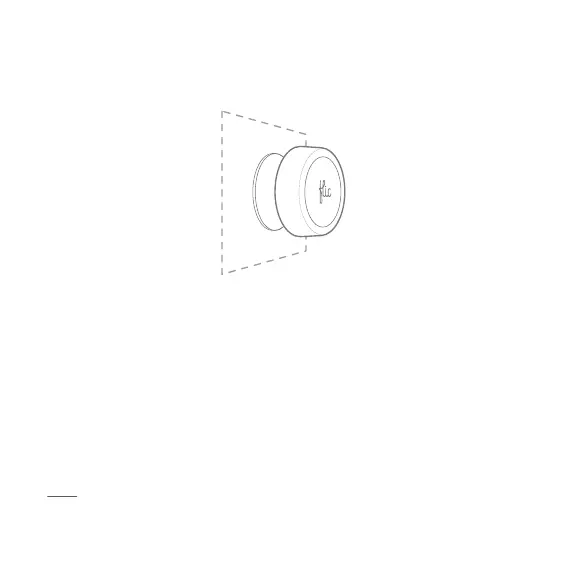
Sticking your Flic
Each Flic comes with a reusable adhesive sticker, pre-attached to the
back.
Simply peel o the protective layer and stick your Flic on any clean
surface.
If you want to change the position of your Flic, twist the button to the right
in order to exert horizontal force which makes it easier to remove the
adhesive from the surface.
Note: consider that the adhesive is super strong before you stick it to any
surface. Removing the adhesive might damage the surface attached.



 To Next Page