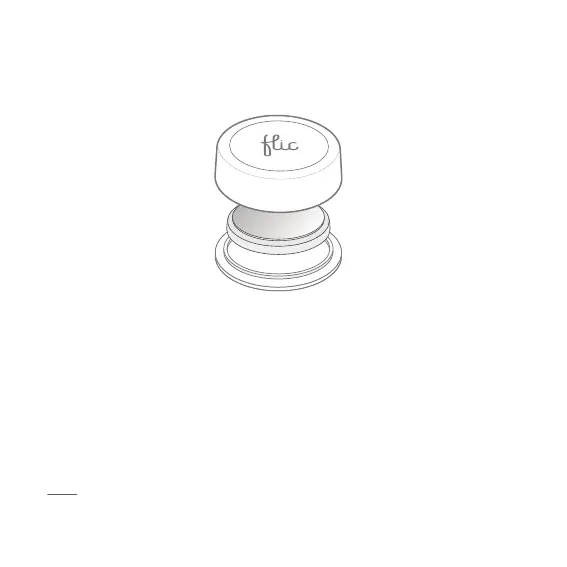
Changing the battery
To change the battery you will need to follow these steps:
1. Open the battery hatch, by sticking your Flic to a surface and twisting it
to the left.
2. Remove the old battery and replace it with a new CR2032 battery with
the “+” side facing towards you.
3. Place back the top part of Flic to the bottom and twist to the right until it
clicks and the adhesive releases the surface.
Note: consider that the adhesive is super strong before you stick it to any
surface. Removing the adhesive might cause damage to the surface
attached.



 To Next Page