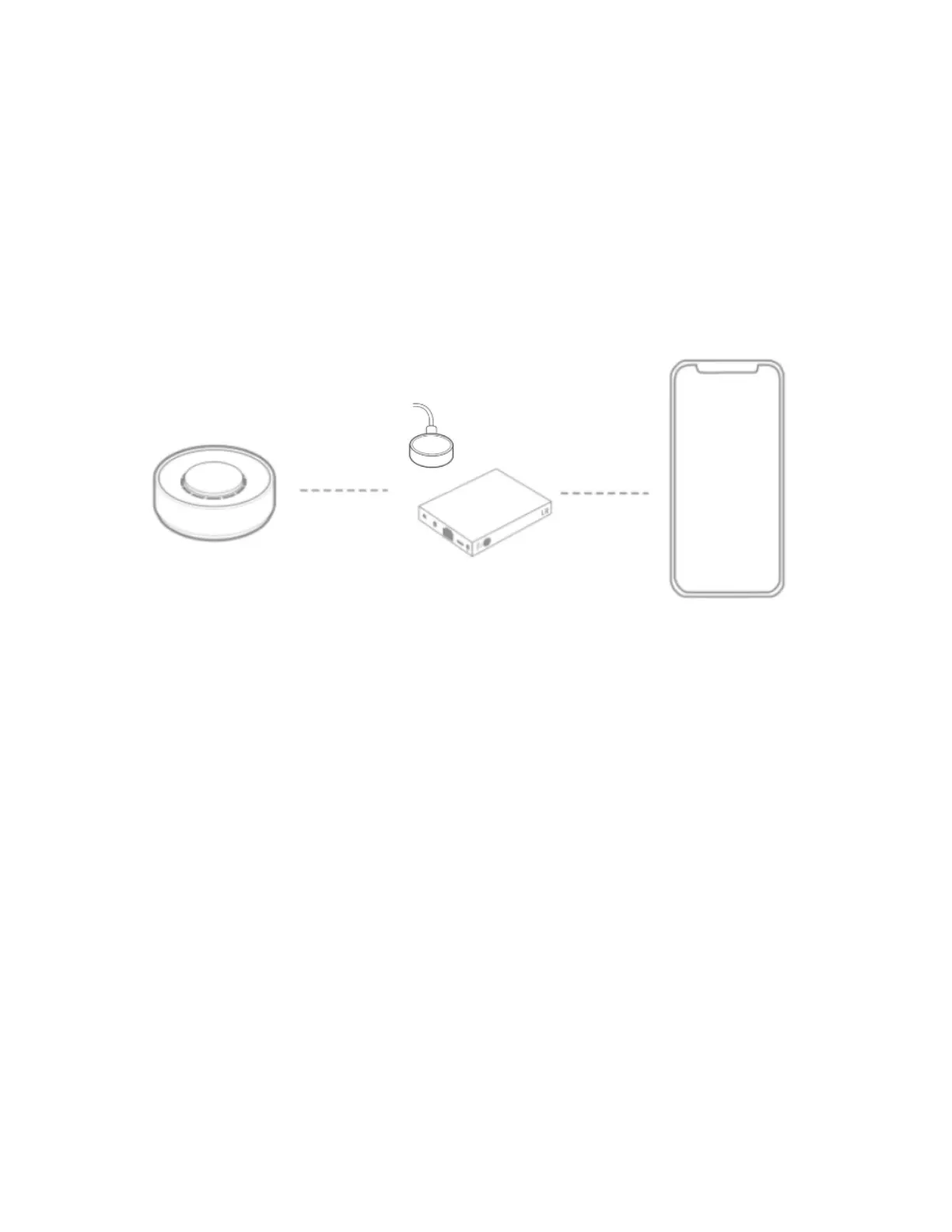
Connecting your Twist
1. Plug in the Flic Hub LR or Flic Hub Mini.
2. Make sure Bluetooth is activated on your phone.
3. Open the Flic App, create an account, and log in.
4. Connect the desired Flic Hub, in which you will add your Twist.
5. Follow the setup guide in the app to get your Twist paired.
6. Now, you are ready to set up your first actions.



 To Next Page