Specification
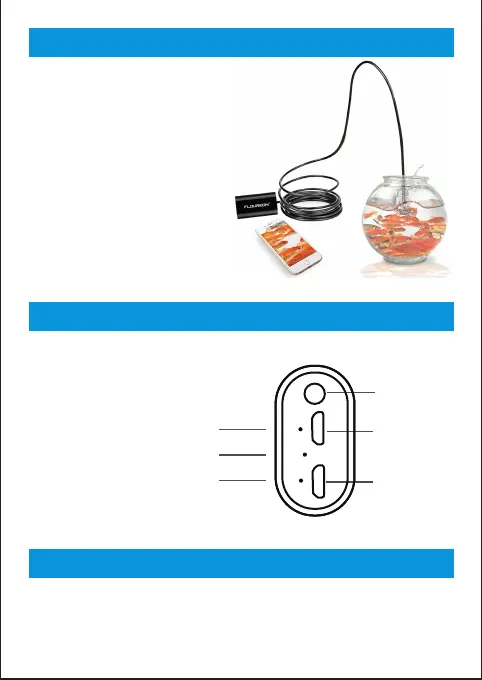
Product structure diagram
How to charge the WIFI box
02
Both soft wire and hard wire
Resolution: HD1280x720,640x480
View angle: 70
Focal distance: 4-6cm(the best)
Camera Head Diameter: 8.0mm
Light: 6 adjustable white LED lights
Waterproof level:IP67
Frequency: 2.425GHz- 2.493GHz
Transmission distance: 5-30M
Capacity: 800mAh
Support system: IOS/Android/Windows
④Battery indicator(Red and Green)
⑤WIFI singnal indicator(Blue)
⑥Reset
①Power
②Camera input
③Charging
Take the charging line connect to the charging port(3) of WIFI box.
When the red light ④ flashing – charging
When the red light ④ keeps on – fully charged



 To Next Page