03
Used on phone
Step one:
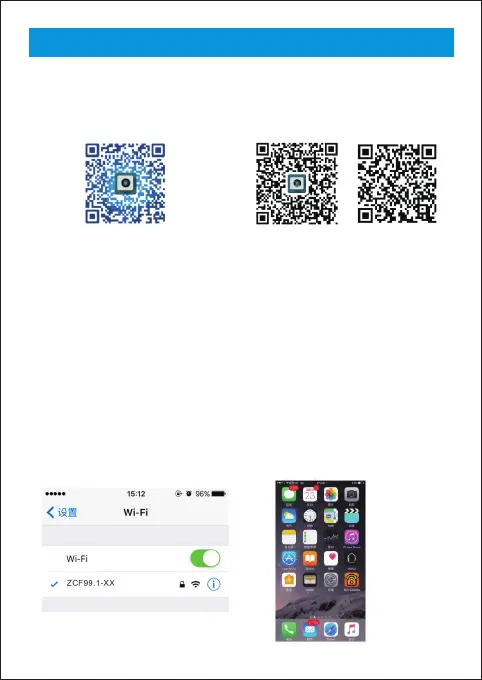
(IOS)search for “moqo view”in the
App Store or Scan QR code,and
download it.
(Android)search for “moqo view”in
the Google play or Scan QR code,and
download it.
iPhone Google Other user
Step two:
Install moqo view app,then the icon will show on your phone.
Step three:
Turn on power swith①,the Green light④will flash, after 10 seconds, the Green
light⑤keeps on.it indicate that the WIFI box works normally.
Step four:
Connect the WIFI endoscope camera to ②,turn on the WIFI of your phone,after
15 seconds,And find name of ZCF99.1-XX. connect it,password is
12345678,then the Green light will flash.it Indicate that the WIFI has connected
successfully.Turn on the software,then you can use it.



 To Next Page