04
Used on Windows
1)1)Scan the QR code or download a pc.rar, or download pc.rar by link:
https://s3.amazonaws.com/ebayimg.appinthestore.com/floureon/F99_PC.zip
2)Turn on the WIFI of the phone, after 15 seconds and
find ZCF99.1-XX of the WIFI name, connect it, password
is 12345678.
3)Put on the software, connect the WIFI endoscope camera to ②, the Green
light ⑤ will flash, it indicate that the WIFI has connected successfully. Then you
can use it.
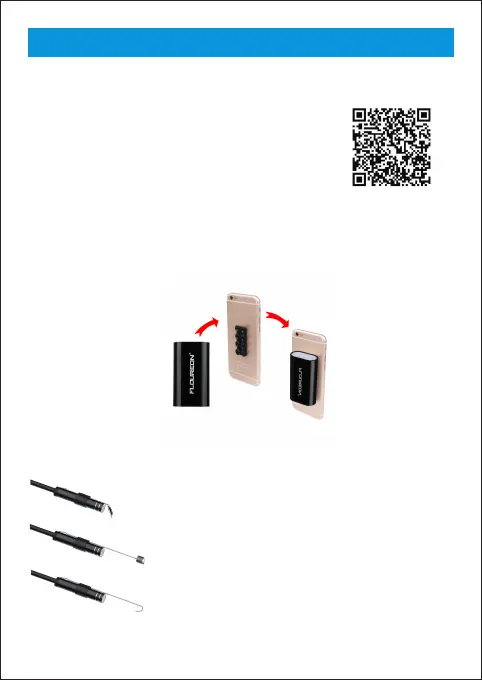
A sucker of gift for you, make it easy to use ( work on flat plane)
Mirror
Magnet
Hook
1 x Endoscope
1 x WIFI box
1 x Charging line
1 x Small hook
1 x Magnet
1 x Side mirror
1 x Fixed set
1 x Sucker



 To Next Page