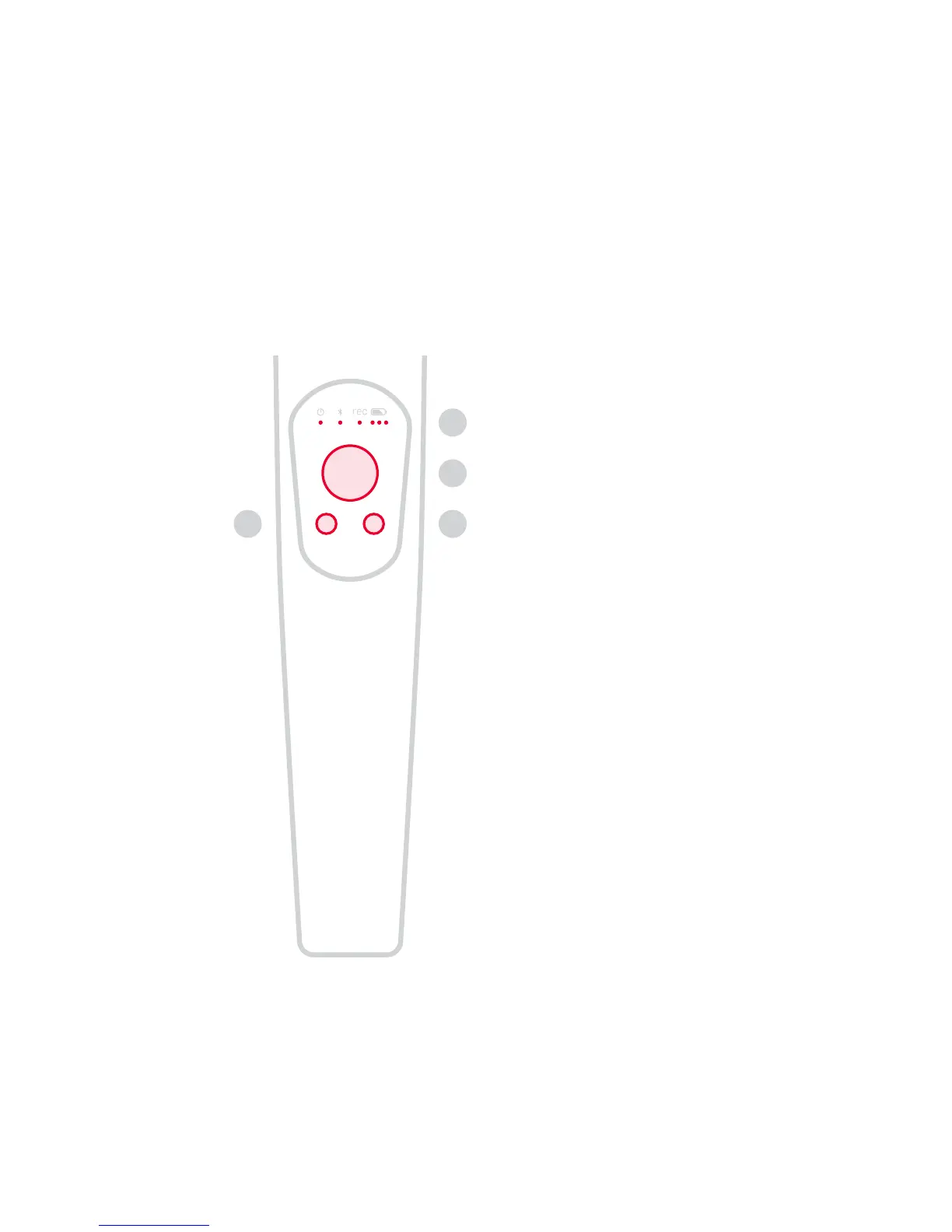
Hold to lock the gimbal. Double
click to toggle stabilization mode.
Move to manually position the
gimbal.
See status for power, Bluetooth®,
video recording and battery.
Click to start and stop a video
recording.
7. Function Button
6. Joystick
5. LEDs
8. Record Button
Grip
5
6
87
05


 To Next Page