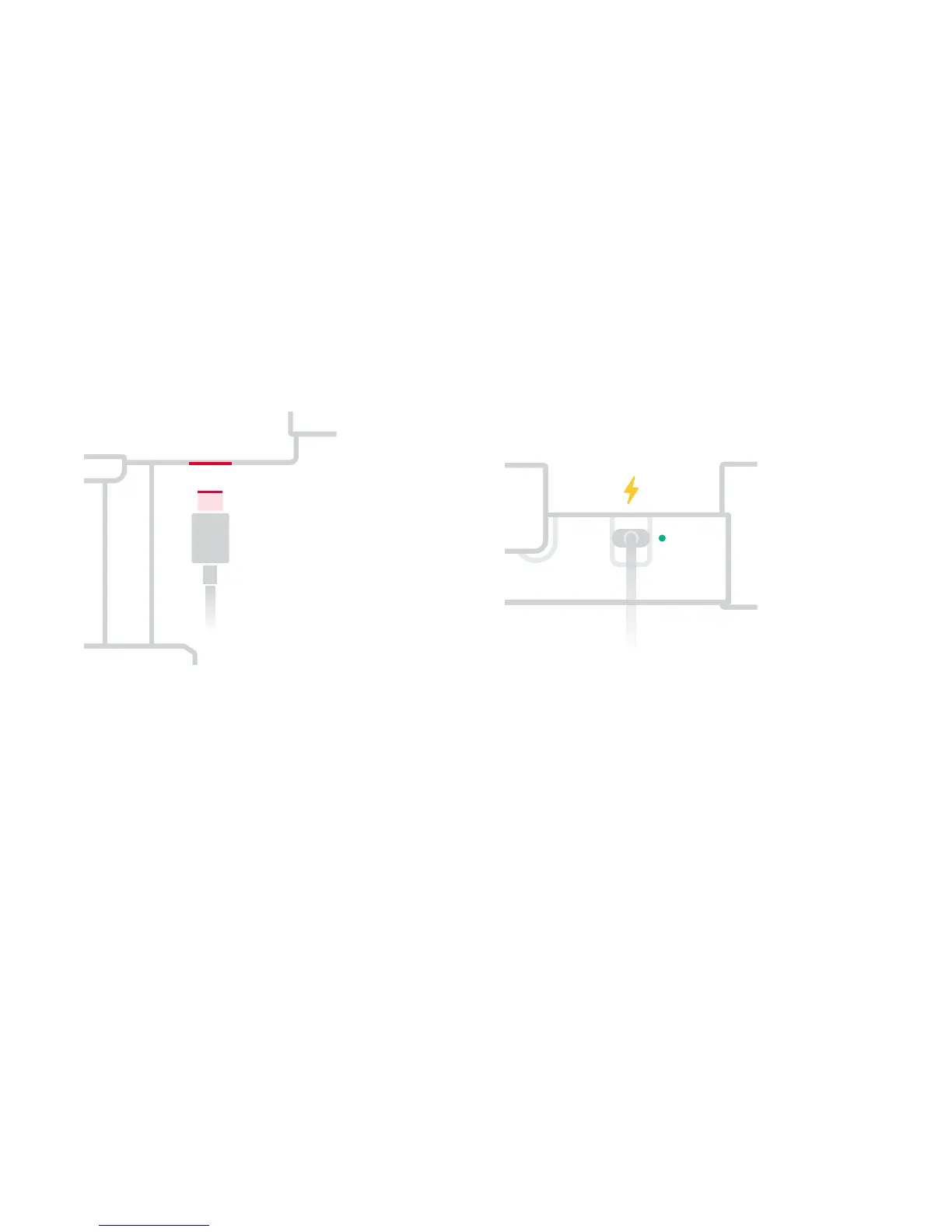
2. Charge the Battery
Fully charge the battery before using FlowMotion
ONE for the first time.
Insert the included USB-C cable
in the USB-C port and connect
it to a USB-A power source (not
included).
e battery is fully charged when
the system status LED becomes
solid green.
•
Charging time approx. 3 hours
•
Max. 4.5 hours of use per charge
Specs
07


 To Next Page