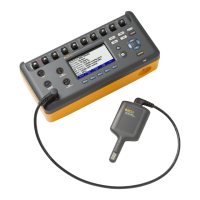
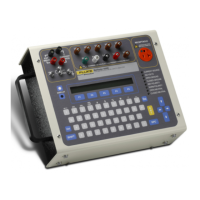
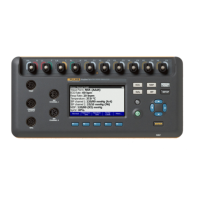
Vital Signs Simulator
Safety Information
3
• Remove all probes, test leads, and
accessories before the battery door is
opened.
• The battery door must be closed and
locked before you operate the Product.
• Replace the batteries when the low battery
indicator shows to prevent incorrect
measurements.
• Remove the batteries if the Product is not
used for an extended period of time, or if
stored in temperatures above 50 °C. If the
batteries are not removed, battery leakage
can damage the Product.
• Use only the mains power cord and
connector approved for the voltage and
plug configuration in your country and
rated for the Product.
• Replace the mains power cord if the
insulation is damaged or if the insulation
shows signs of wear.
• Use only the external mains power supply
included with the Product.
• Connect the battery charger to the mains
power outlet before the Product.
• Do not put metal objects into connectors.
• Do not connect the Product to a patient or
equipment connected to a patient. The
Product is intended for equipment
evaluation only and should never be used
in diagnostics, treatment, or any other
capacity where the Product would come in
contact with a patient.


 To Next Page