EasyManua.ls Logo

Fluke 6062A - Page 35

Fluke 6062A
86 pages
Print Icon
To Next Page IconTo Next Page
To Previous Page IconTo Previous Page
Loading...
INSTALLATION
2-26.
Amplitude Units
Selection
The following information
describes how to select
the alternate
level display
units. When
the
level is displayed
as a dB quantity,
units of dBm, dBmV
or dB/iV
may be selected
by special
function. Entering the special
function code
converts the displayed
quantity
to the
selected
units but does not change
the
output
of the
Generator.
Command Syntax:
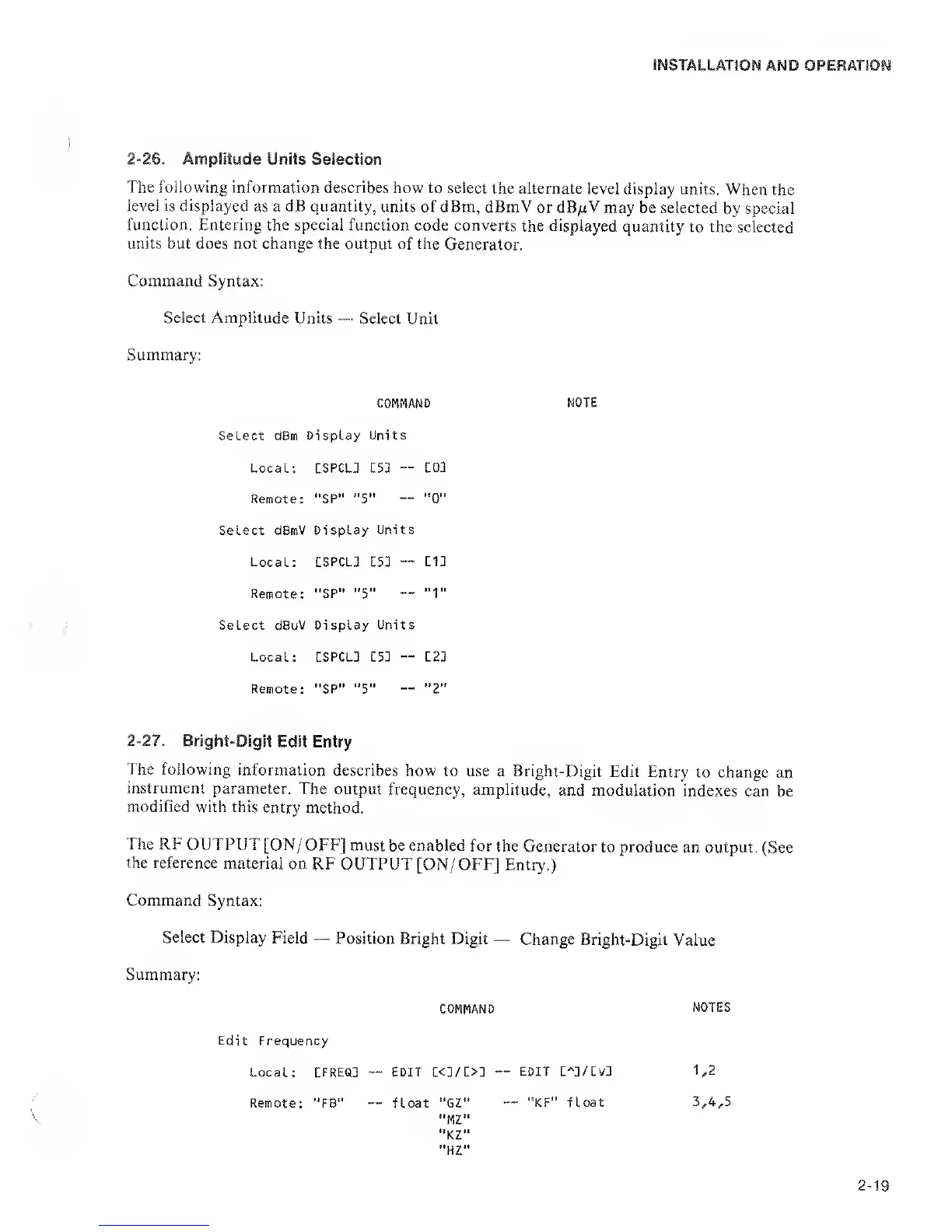
Select Amplitude
Units
Select
Unit
Summary:
COMMAND
NOTE
Select dBm Display
Units
Local: CSPCL3 LSI
IQl
Remote: "SP" "S'*
"0"
Select dBmV
Display Units
Local:
CSPCLJ LSI
111
Remote: "SP"
"5"
"1"
Select
dBuV
Display Units
Local: :SPCL3 LSI
L21
Remote: "SP"
"5"
"2"
2-27.
Bright-Digit
Edit Entry
The following
information
describes how
to use a Bright-Digit
Edit Entry
to change
an
instrument
parameter.
The output
frequency, amplitude,
and modulation
indexes
can be
modified with this
entry method.
The RF OUTPUT
[ON/OFF]
must be enabled
for
the Generator
to produce an output.
(See
the reference
material
on RF
OUTPUT [ON/
OFF] Entry.)
Command
Syntax:
Select Display
Field
Position
Bright Digit
Change Bright-Digit
Value
Summary:
COMMAND
NOTES
Edit Frequency
Local:
EFREQD
EDIT L<1/L>1
~~
EDIT L^l/Lvl
1,2
Remote: "FB"
float "GZ"
"KF" float 3,4,5
"MZ"
"KZ"
"HZ"
2-19

Related product manuals