34 / 84 Attachment FLUXTRONIC Automatic Mode
2 FLUXTRONIC
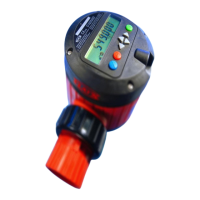
The FLUXTRONIC displays the volume of liquid that has flown through a flow meter.
The nutating disc meter generates pulses by volume (e.g. 0.05 L/pulse). The pulses are
registered by the FLUXTRONIC and converted into the actual volume via a calibration
constant.
Number of pulses x Calibration constant = Volume.
The electronic unit can be used in two different operating modes:
Normal mode and Automatic mode
Operating mode: Automatic mode
Automatic mode is ideal for always filling the identical volume of liquid at the press of
a button.
Additional units, such as isolating amplifiers and valves, are needed for this.
Keep organic solvents away from the keyboard and LCD display.
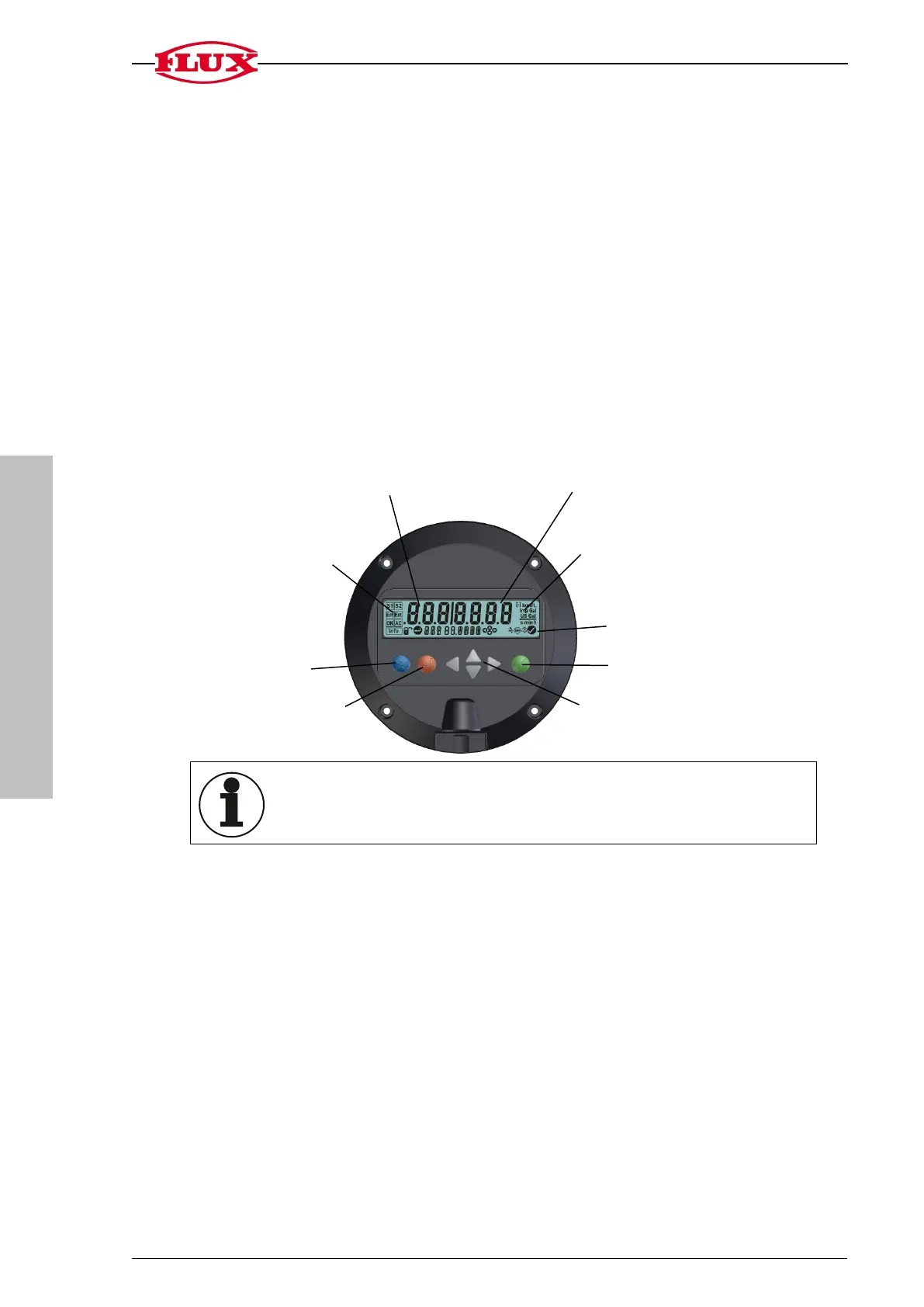
The FLUXTRONIC can control 2 valves.
As soon as the filling process has started, a valve is actuated by signal 1 {S1} via a
NAMUR switching amplifier. Liquid can flow through the meter now that the valve is
open. The pulses from the measuring unit are deducted from the required volume to
be filled according to the calibration constants until the total volume has been filled
and the signal [S1] switches off again.
The signal [S2] can switch a second valve at a specified residual volume. This valve
can be used, for instance, to switch over from a large flow rate at the start of a filling
process to a smaller flow rate for the remaining volume [S2].
Display of different
outputs and functions
up/down


 To Next Page
 Loading...