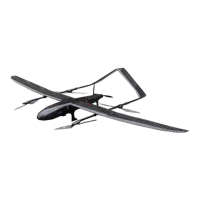
4. Perform automatic conversion of the multi-rotor, and slowly approach the top
of the landing point;
5. Perform a vertical landing. The landing is carried out in two stages. The first
stage is faster (3.5m/s by default). When the height drops to the second stage (6
meters by default, can be set), the landing speed will be reduced to a slower speed.
(default is 0.5m/s, can be set);
6. After detecting reaching the ground, the drone will automatically turn off the
motor and lock.
Landing hover point settings
This point is used as the safety circling point for returning home, and also serves
as the safe circling position in case of emergency flight of the aircraft, and the
landing direction can be set by dragging the landing circling point.


 To Previous Page
 Loading...