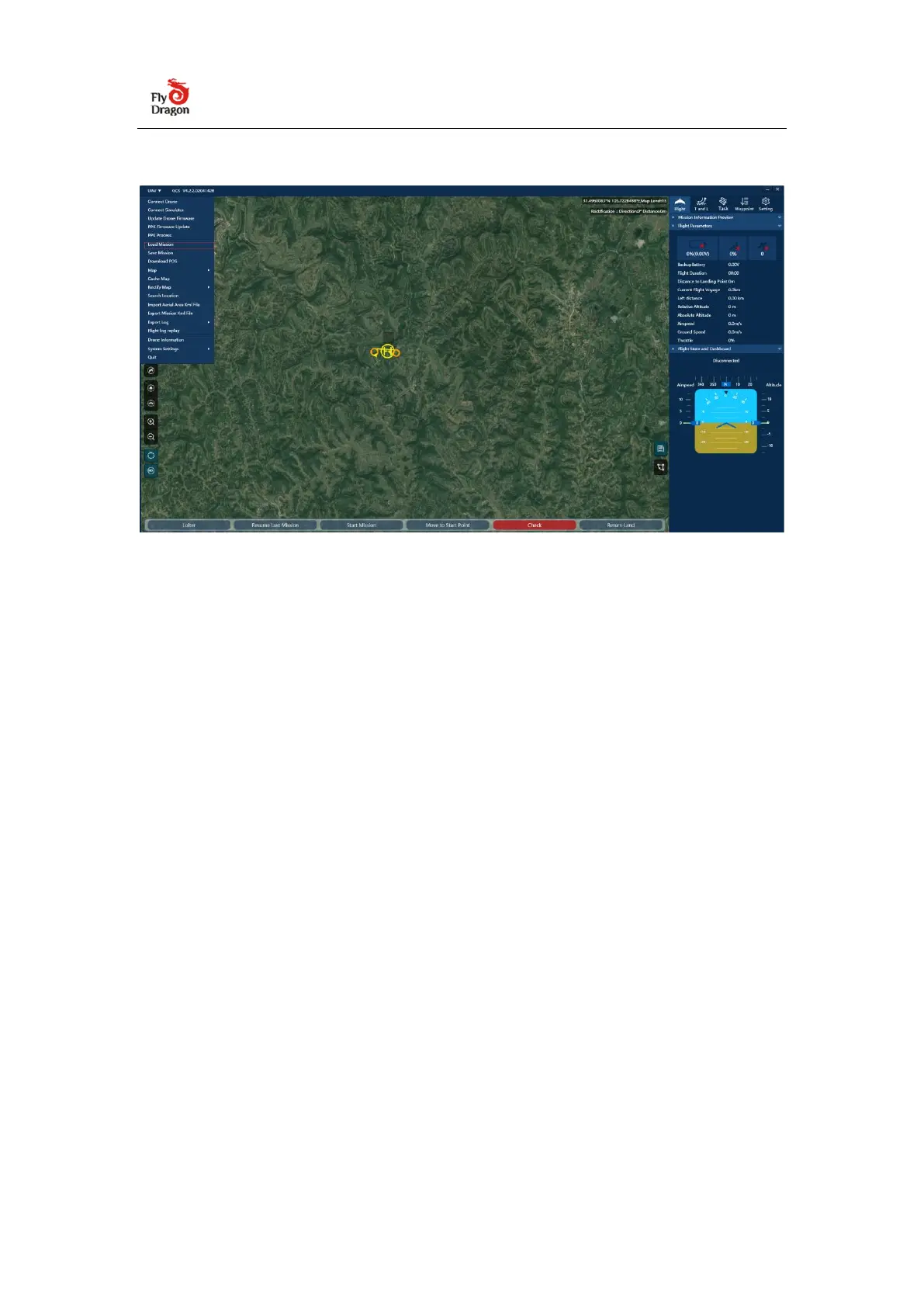
1.2 UAV GCS software installation
2. Safty flight
2.1 Connect to UAV
Connect the battery to the aircraft and enter the aircraft self-check;
★Attention
After the aircraft is assembled and the battery is connected, the aircraft will
automatically calibrate each sensor and the autopilot will detect it autonomously.
Do not shake the aircraft at this time (shaking the aircraft will cause the gyro
calibration to fail or cause errors)


 To Next Page