11
K
EY DEFINITION
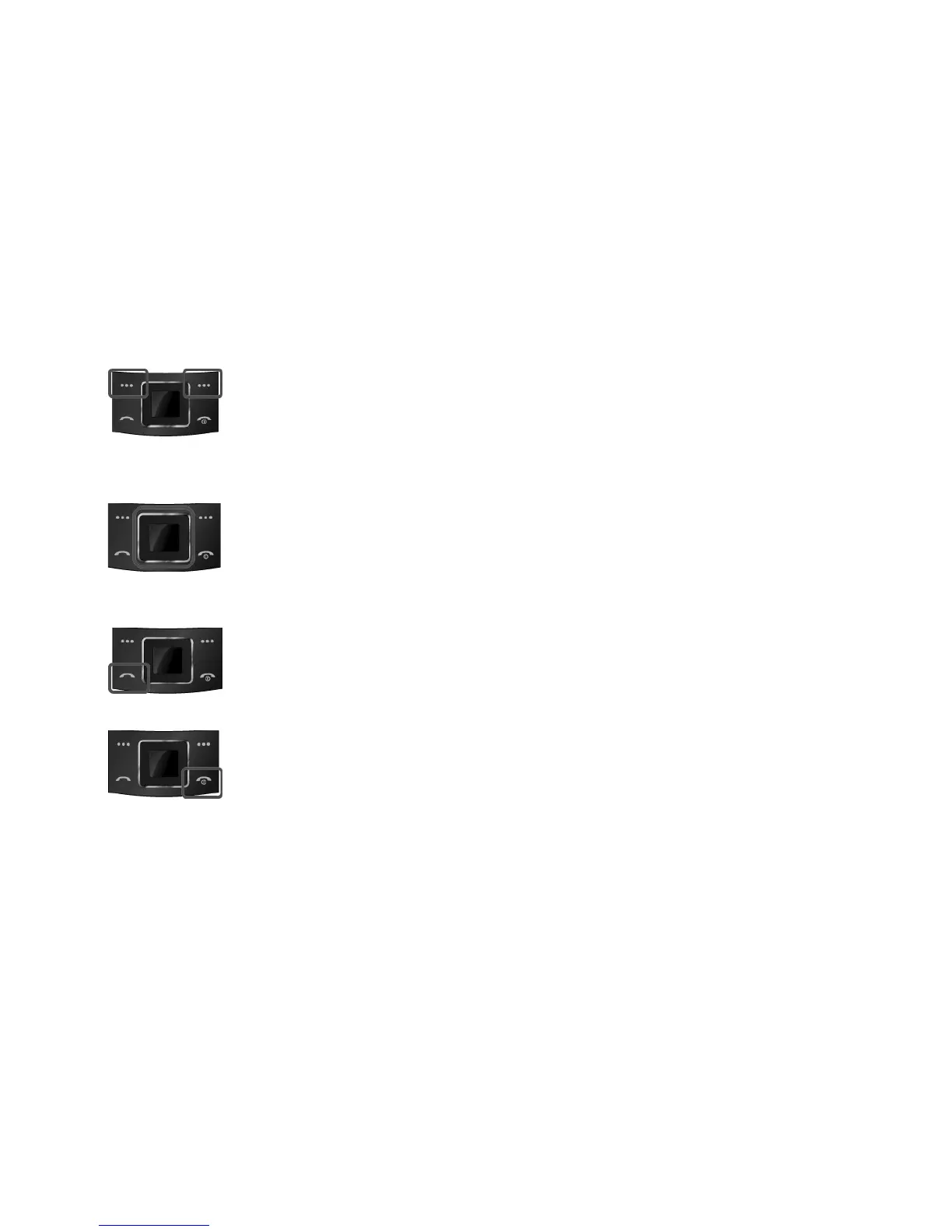
Soft Keys
Perform functions identified by left/right display prompt.
Right button: Cancel numbers & letters when you make a call or input
letter for phonebook, message or WAP.
Navigation Keys
Scroll through the menu options.
Move the cursor up and down in the normal editing mode.
Move the cursor to left and right in all editing mode.
Send Key
Dial or answer a call.
Recall the last call numbers in the idle mode.
Power on/off Key & End Key
End a call.
Switch the phone on and off. (press this key and hold)
Cancel your input in the menu facility and return to the idle mode.



 To Next Page