12
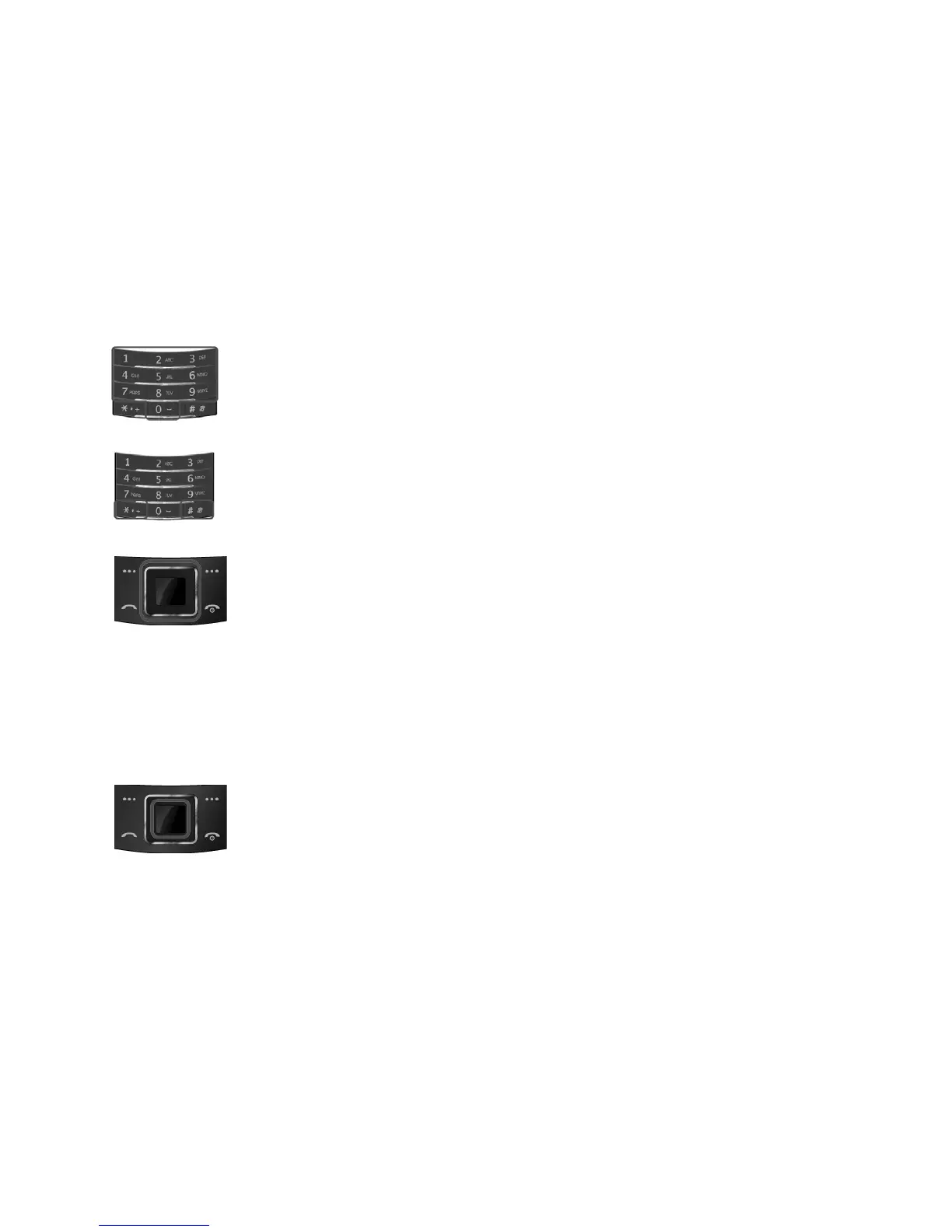
Alphanumeric Keys
You may enter numbers, letters and special characters.
It changes camera settings in camera mode.
Special Function Keys
Enter Special Characters / Perform Various Functions
SHORTCUTS
Left: Access to “Message”
Right: Access to “FM Radio”
Up: Access to “Bluetooth”
Down: Access to “Music Player”
from an idle mode
You may dedicate the left navigation key for favorite menu in ‘Dedicated
key’ setting menu
(Menu > 10.Settings > 10.2. Phone Setup > 10.2.5 Dedicated Key)
WAP Key
Access to WAP menu (press shortly), and launch WAP browser (press
and hold).



 To Next Page