ASIO
- Quick Start Guide v1.0 10
5. Battery
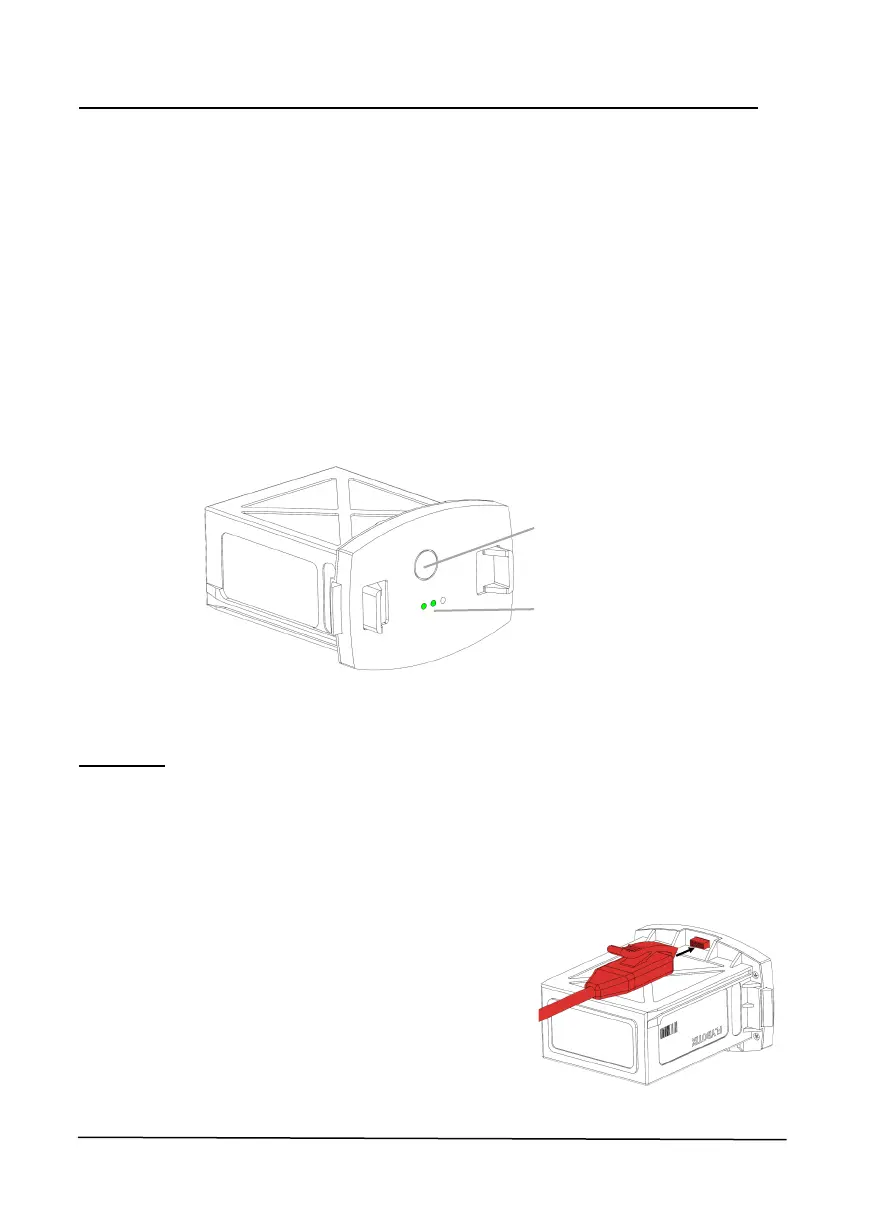
5.1 Button and LEDs
Button functions:
• Short press while battery is disconnected to turn on LED indicator
• Short press while battery is connected to turn on or off ASIO
• Long press (>7sec) while battery is connected to force shutdown ASIO
LED indicator:
• 3 LEDs on: ASIO is fully charged (90-100%)
• 2 LEDs on: ASIO is partially charged (20-90%)
• 1 LED on: ASIO is discharged (0-20%), do not fly before charging
5.2 Charging
Warning: failing to follow these instructions can lead to permanent damage of
the batteries.
Before charging, make sure to configure the provided charger with these set-
tings:
• Battery type: LIHV
• Number of elements: 5
• Capacity: 3900mAh
• Mode: Balance charge
Battery button
LEDs



 To Next Page