2
Binding Transmier to Model
1. Plug in bind plug to Bind Port on receiver.
2. Turn on cars on/o switch (located on boom of the car) and
LED on receiver will start to ash rapidly.
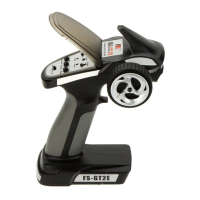
3. On transmier, hold down Bind Buon (item 11 in the image on
previous page) and turn on Power Switch (item 3 in image on
previous page). Connue holding Bind Buon unl LED on
receiver stops ashing and goes solid and then starts to ash
slowly.
4. Then turn o car and transmier and remove bind plug from
receiver.
5. Turn transmier on then turn car switch back on and check
steering and throle operaon to ensure controls are working
correctly.
6. If controls are not working correctly, turn of the cars switch and
turn on transmier and repeat steps 1-6.
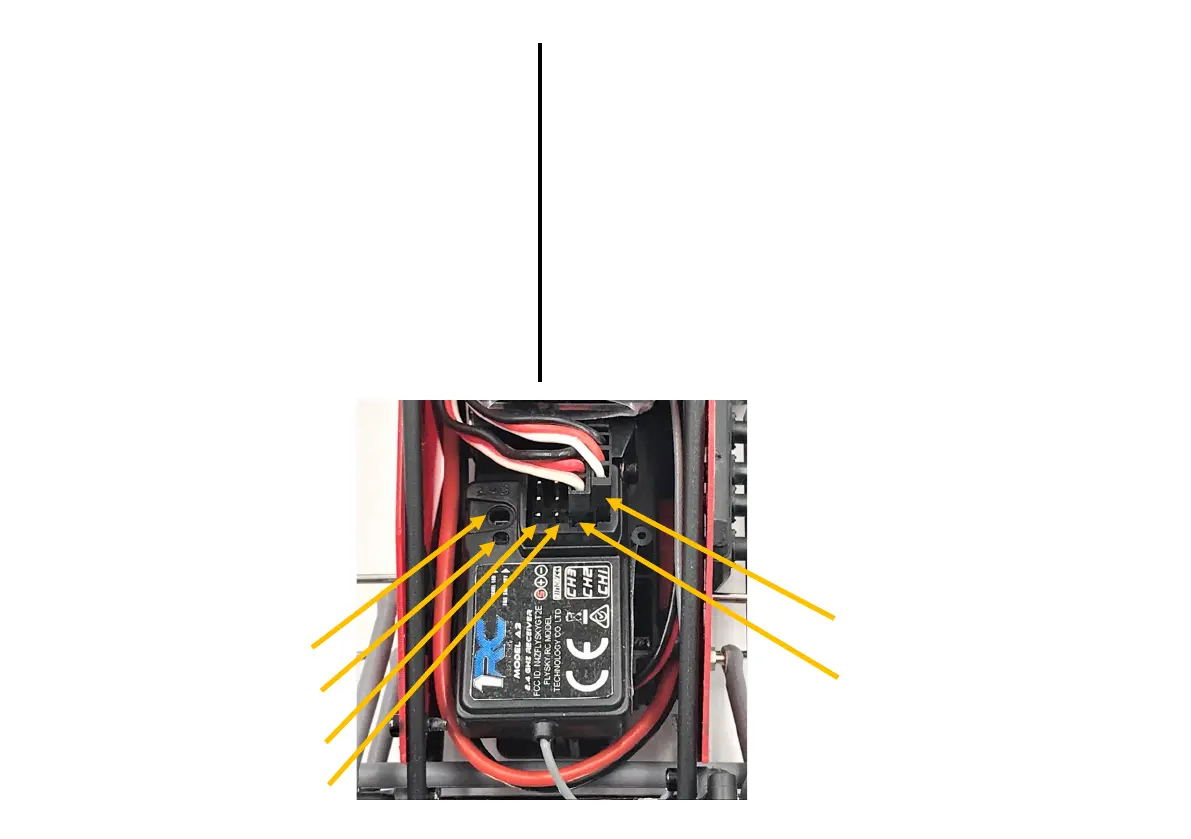
Bind Port
CH1—Servo Port
CH2—ESC Port
CH3—Spare Port
Can be used for transponder
LED
Fail Safe Buon
Failsafe Seng
The failsafe will help prevent an out of control situaon if the transmier signal is lost.
How to Set the Failsafe:
1. Turn on transmier.
2. Turn on the receiver and ensure the LED on the receiver is on and solid.
3. Leave the throle on the transmier in the neutral posion.
4. Using the Failsafe Seng Sck on the Bind Plug wire, press the Fail Safe Buon on
the receiver. The LED will blink and then stop aer 3 seconds, that will indicate the
failsafe is set.
Test the Failsafe:
1. Turn on transmier.
2. Turn on the receiver.
3. Turn o the transmier and ensure the cars rear wheels do not roll. If rear wheels
roll repeat steps 1-4 in How to Set the Failsafe.


 To Previous Page
 Loading...